How to Reset a Ge Microwave: Easy Steps to Fix It Fast
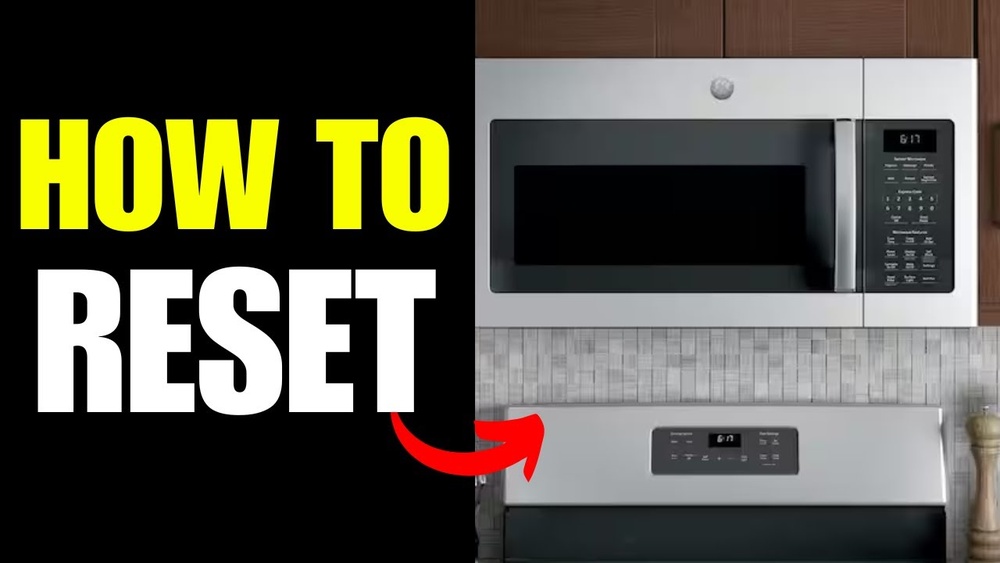
Is your GE microwave acting up or stuck on a setting? Knowing how to reset your GE microwave can save you time and frustration.
Whether the touchpad is unresponsive, the display is frozen, or you want to clear an error, a simple reset often does the trick. In this guide, you’ll discover easy, step-by-step methods to reset your GE microwave quickly—no technical skills needed.
Keep reading to get your microwave working like new again and avoid unnecessary repairs or replacements.
Credit: www.hunker.com
Common Reset Methods
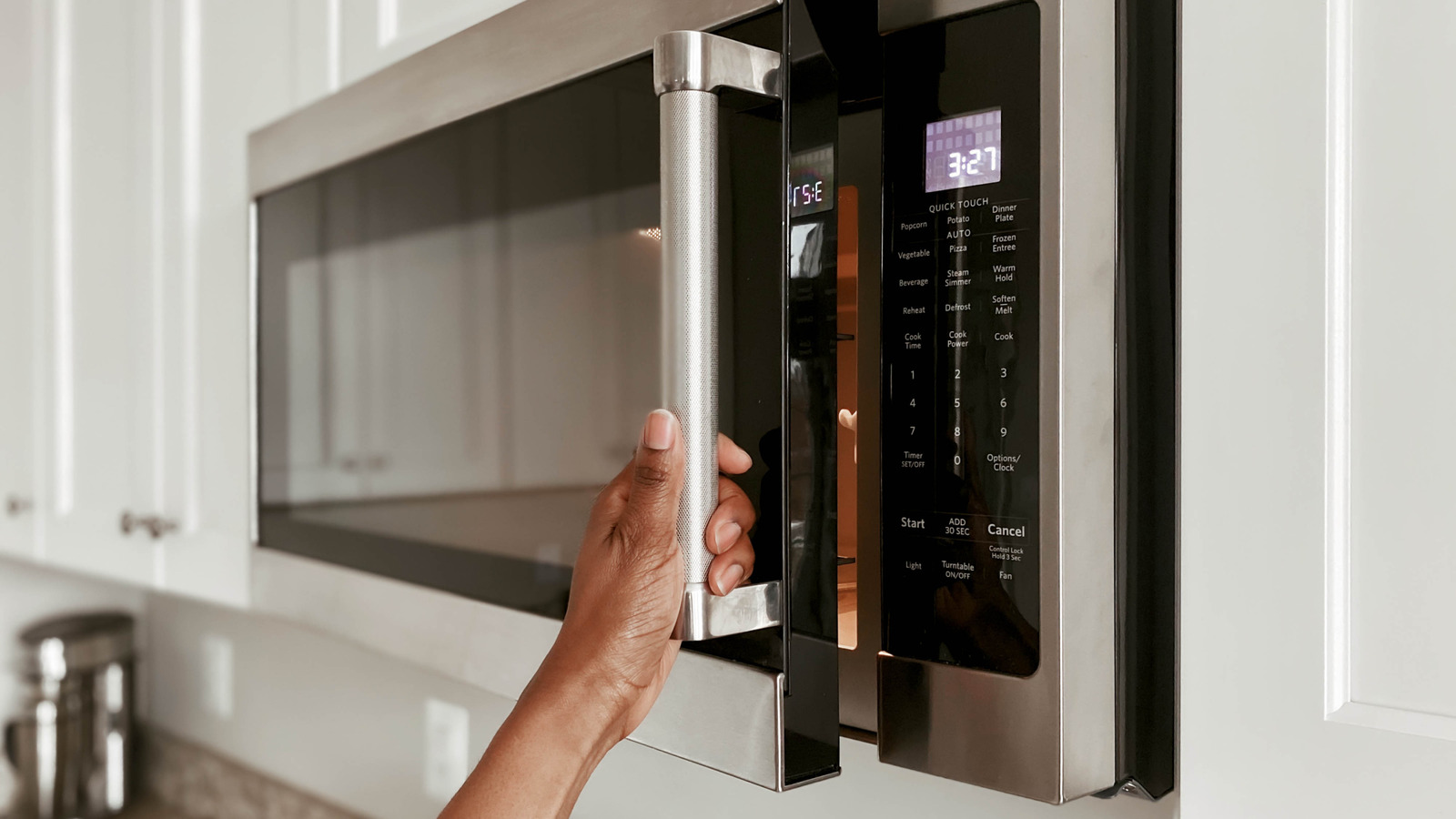
Resetting your GE microwave can fix many common issues quickly. Several methods exist to reset the microwave depending on the problem. These common reset methods are easy to try at home and often restore normal function. Below are the most popular and effective ways to reset a GE microwave.
Power Cycle (hard Reset)
Unplug the microwave from the power outlet. Leave it unplugged for at least one minute. This lets the microwave’s internal system fully shut down. Plug it back in and check if the problem is gone. This method clears minor electrical glitches and resets the control board.
Clear/cancel Button
Press the ‘Clear’ or ‘Cancel’ button on the microwave’s control panel. This stops any current cooking or error message. It also resets the display to zero. Using this button is a simple way to perform a soft reset. It often fixes small programming errors quickly.
Button Combinations
Some GE models have special button combinations to reset the microwave. Try holding down ‘Stop/Cancel’ and ‘Start’ buttons together for a few seconds. Other models may require pressing ‘Settings’ then a sequence of keys. Check your microwave’s manual for exact instructions. These combinations can restore factory settings or clear error codes.
Soft Reset Techniques
Soft reset techniques offer quick fixes to common microwave issues. These methods clear minor errors without unplugging the appliance. They help restore basic functions fast and avoid complicated steps.
Soft resets are perfect for stopping stuck processes or fixing display glitches. They often involve simple button presses. These methods suit users who want easy, no-tool solutions.
Using Off/clear Button
Press the Off or Clear button once to stop cooking. This action cancels current settings and clears errors. It resets the microwave’s control panel to standby mode.
Hold the Off/Clear button for a few seconds if the display stays frozen. This forces a soft reset on many GE microwave models. Check the display for normal clock or standby screen.
Resetting The Clock
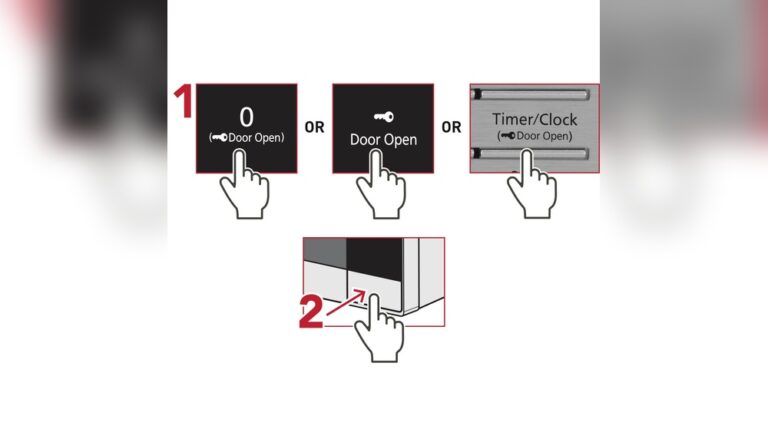
Resetting the clock can act as a soft reset in some GE microwaves. Open the door and press the Clock button. Enter the correct time using the number pad.
Press the Clock button again or Start to save the new time. This refreshes the control board and clears minor glitches. The microwave should respond normally after clock reset.
Performing A Hard Reset
Performing a hard reset on your GE microwave can fix many common problems. This method clears the microwave’s memory and resets the control board. It often restores normal function without needing repair.
The process is simple and safe. It involves unplugging the microwave, waiting, then plugging it back in. Follow these steps carefully for the best results.
Unplugging The Microwave
First, unplug the microwave from the electrical outlet. This stops all power to the unit. It ensures the microwave’s internal systems shut down completely. Do not just turn off the microwave. Unplugging is necessary for a full reset.
Waiting Period
Wait at least one minute before plugging the microwave back in. Some experts suggest up to three minutes. This pause lets the microwave’s electronics fully discharge. It clears any temporary errors stored in the system. Patience during this step is important.
Plugging Back In
After waiting, plug the microwave back into the outlet. The microwave will power up with default settings. Check if the display lights up and buttons respond normally. Your GE microwave should now be reset and ready to use.
Troubleshooting Touchpad Issues
Troubleshooting touchpad issues on a GE microwave helps restore its control functions. The touchpad may stop responding due to dirt, connection problems, or faulty components. Simple checks and fixes often solve these problems without needing a technician. Follow these steps to diagnose and fix common touchpad issues quickly.
Cleaning And Checking For Stuck Buttons
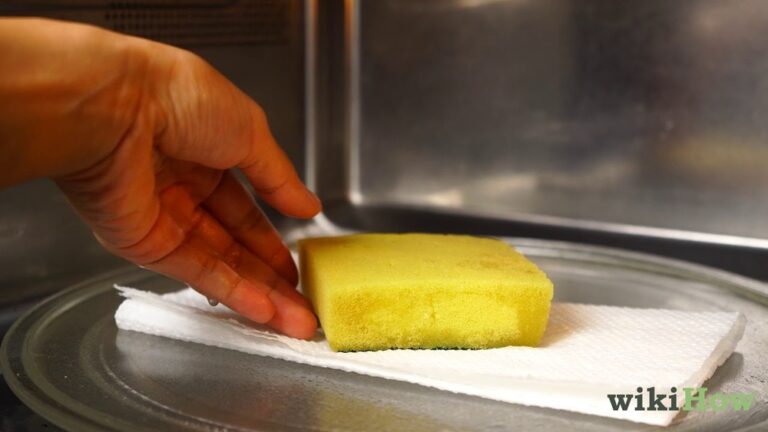
Grease and food particles can block microwave buttons. Use a soft cloth dampened with mild soap to clean the touchpad surface. Press each button gently to check if any stick or feel different. Stuck buttons need cleaning or careful loosening to regain normal function. Avoid using harsh chemicals that may damage the touchpad.
Inspecting Ribbon Cable Connection
The touchpad connects to the control board via a ribbon cable. Unplug the microwave and remove the outer cover carefully. Locate the ribbon cable and check if it is loose or damaged. Reseating the cable firmly can restore touchpad response. Replace the ribbon cable if it shows signs of wear or breaks.
Control Board And Membrane Problems
The control board processes touchpad signals. Faulty boards may cause unresponsive buttons or random inputs. The membrane that covers the touchpad can also degrade over time. If cleaning and cable checks fail, test the control board and membrane with a multimeter. Replace damaged parts to fix persistent touchpad issues.
Resetting Filter And Light Indicators
Resetting filter and light indicators on your GE microwave helps keep it running smoothly. These indicators remind you to clean or replace filters and maintain the appliance. Resetting them clears the alerts after maintenance.
This process is simple and quick. It ensures accurate reminders and prevents the lights from staying on unnecessarily. Follow the steps below to reset the filter and light indicators properly.
Resetting The Filter Indicator Light
Locate the “Filter Reset” button on your microwave’s control panel. Press and hold it for about 3 seconds. You should see the filter light turn off. This confirms the reset is complete. The filter indicator will now track your next cleaning cycle.
Resetting The Light Indicator
Find the “Light” button on your microwave. Press and hold it for 3 to 5 seconds. The light indicator should turn off, signaling the reset. This step is important after changing the microwave light bulb or cleaning the interior.
When The Indicators Do Not Reset
If the filter or light indicators stay on, try unplugging the microwave for one minute. Plug it back in and repeat the reset steps. Persistent lights may mean a sensor or control board issue. Contact a professional for service if needed.
When To Seek Professional Repair
Knowing when to seek professional repair for your GE microwave saves time and prevents further damage. Some issues need expert attention beyond a simple reset. Recognizing these signs helps keep your microwave safe and functional.
Unresponsive Control Panel
If the microwave buttons do not respond after resetting, it may indicate a control board problem. Professionals can diagnose and replace faulty parts safely.
Continuous Beeping Or Error Codes
Persistent beeping or error messages often point to internal malfunctions. A technician can interpret these signals and fix underlying issues.
Microwave Does Not Heat
The microwave running without heating food signals a serious problem. This could be a magnetron or high-voltage component failure needing professional repair.
Burning Smell Or Sparks
Any burning odor or sparks inside the microwave are dangerous. Stop using the appliance and call a repair expert immediately to avoid hazards.
Physical Damage Or Water Exposure
Dents, cracks, or water inside the microwave can cause electrical faults. Professional inspection ensures safe operation and prevents accidents.
Factory Reset For Over-the-range Models
Factory reset for over-the-range GE microwave models restores the appliance to its original settings. This process clears any errors or glitches that affect its performance. It is useful when the microwave behaves unusually or buttons stop responding.
Unlike simple resets, a factory reset wipes customized settings and returns the microwave to default. Over-the-range microwaves often require a specific sequence of steps to perform this reset. These steps vary slightly by model but generally follow a similar pattern.
Power Cycle (hard Reset)
Unplug the microwave from the power outlet. Wait for at least three minutes to let the internal memory clear. Plug the microwave back in and check if the display resets. This method often solves minor software glitches quickly.
Using The Clear/cancel Button
Press the Clear or Cancel button on the microwave’s control panel. This action stops any ongoing functions and resets the display. It acts like a soft reset and can fix simple errors without affecting saved settings.
Button Combinations For Factory Reset
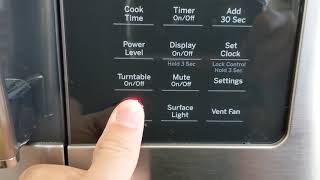
Some GE models require pressing specific buttons simultaneously. Common combinations include holding Stop/Cancel and Start together. Others use the Settings or Clock button sequence to access reset options. Consult your user manual for exact instructions.
When To Seek Professional Help
If the factory reset does not resolve the issue, the microwave might have a hardware problem. Faulty components can cause persistent errors. Contact a certified technician for diagnosis and repair to avoid further damage.

Credit: removeandreplace.com
Credit: www.youtube.com
Frequently Asked Questions
Is There A Reset Button For Microwaves?
Most microwaves lack a dedicated reset button. Use the Clear/Off button or unplug the microwave for a few minutes to reset it. Check the user manual for model-specific reset instructions or factory reset options.
How Do I Reset My Ge Microwave Touchpad?
To reset your GE microwave touchpad, press the Off/Clear button to cancel functions. For unresponsive touchpads, unplug the microwave for three minutes, then plug it back in. Afterward, reset the clock if needed. This process often restores normal touchpad operation.
Where Is The Reset Button On A Ge?
The GE microwave does not have a dedicated reset button. Press the “Clear/Off” button or unplug it for a few minutes to reset. Refer to your model’s manual for specific reset instructions or factory reset options.
Conclusion
Resetting a GE microwave is simple and quick. Start by unplugging the microwave for a few minutes. Press the Clear or Cancel button to stop any active functions. Some models may require holding specific buttons to reset. Always check your user manual for exact steps.
If the microwave still doesn’t work, a repair might be needed. Regular resets can fix minor issues and keep your microwave running smoothly. Follow these tips to handle most common reset needs with ease.