How To Fix Microwave: Quick DIY Guide For 2026
Unplug it, reset it, check power and door, clean inside, then test with water.
If your dinner is cold and the clock is blinking, I can help. I’ve spent years troubleshooting small appliances, and I’ll show you how to fix microwave problems the safe way. This guide explains how to fix microwave issues step by step, what you can do at home, and when to call a pro. You’ll learn quick fixes, smart tests, and the exact checks that solve most cases fast.

Safety first: what you must know before you start
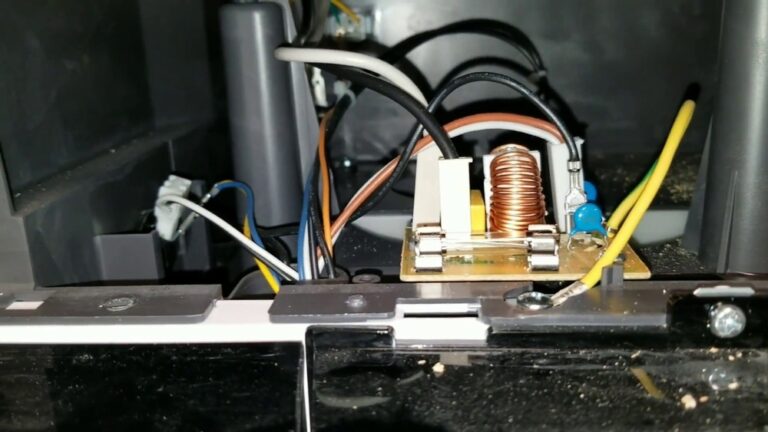
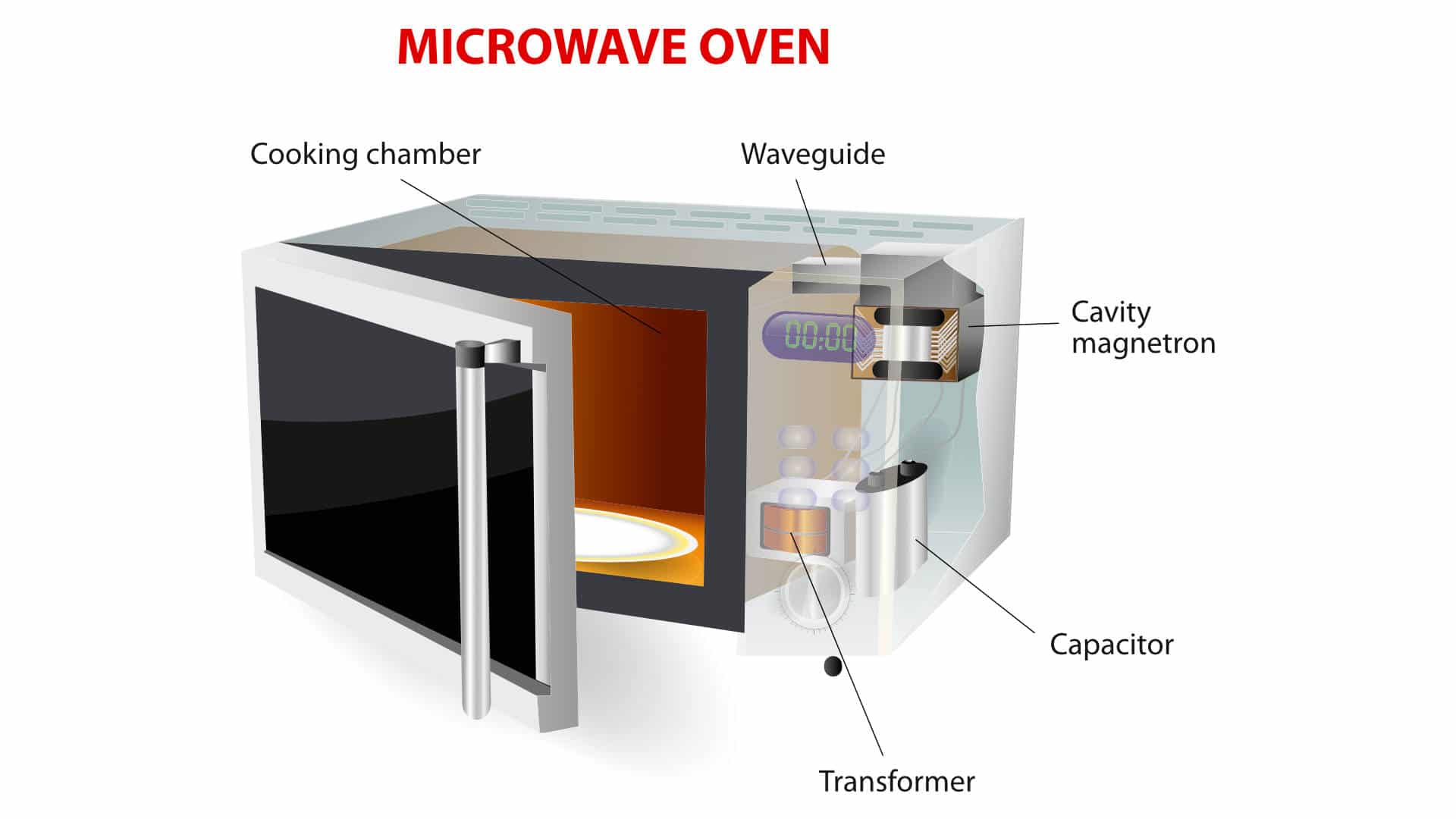
Microwaves store high voltage even when unplugged. The capacitor can hold a deadly charge. Do not remove the cover or touch internal parts. Leave magnetron, capacitor, transformer, diode, and internal fuses to a licensed technician.
Always unplug the microwave before any cleaning or checks. If it is built-in or over-the-range, flip the breaker off too. Keep water away from vents and electronics.
Do not run a microwave empty. Always place a cup of water inside during tests. Running empty can damage the magnetron in seconds.
If you smell burning plastic, see smoke, or see sparks, stop at once. Unplug the unit and let it cool. Resume only after you remove the cause or call a pro.

What you need for safe, simple fixes
You can solve many issues with a few low-risk tools. Keep it simple and safe.
- Cup or microwave-safe mug: For the 1-minute water heat test.
- Paper towel and soft cloth: For cleaning the interior and door seal.
- White vinegar or lemon juice: For steam cleaning and odor removal.
- Outlet tester or small lamp: For checking the wall outlet and GFCI.
- Owner’s manual or model number: For feature quirks like child lock or demo mode.
- Step stool: For over-the-range models to reach vents and filters.
Optional: A multimeter to test the wall outlet only. Do not use it inside the microwave.
Quick checks and resets that fix most issues
Start with the basics. These steps solve many cases in minutes.
- Power cycle the unit: Unplug for 2 minutes. Plug it back in. This clears control glitches.
- Check the breaker and GFCI: Microwaves often share a kitchen circuit. Reset any tripped GFCI outlets.
- Test the outlet: Plug in a lamp or coffee maker. If they fail, it is a power problem.
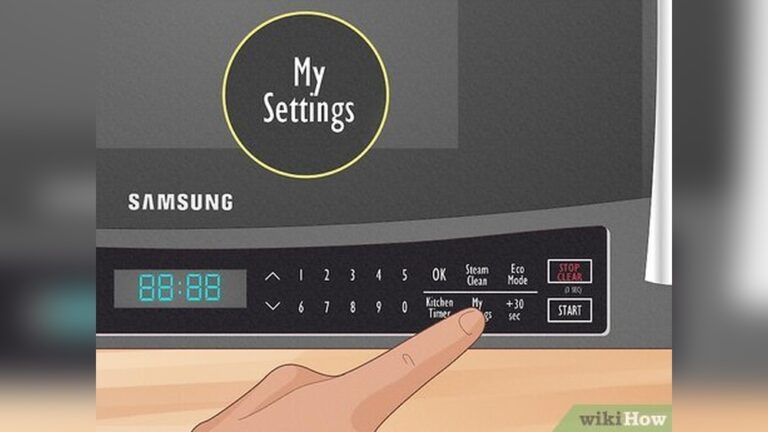
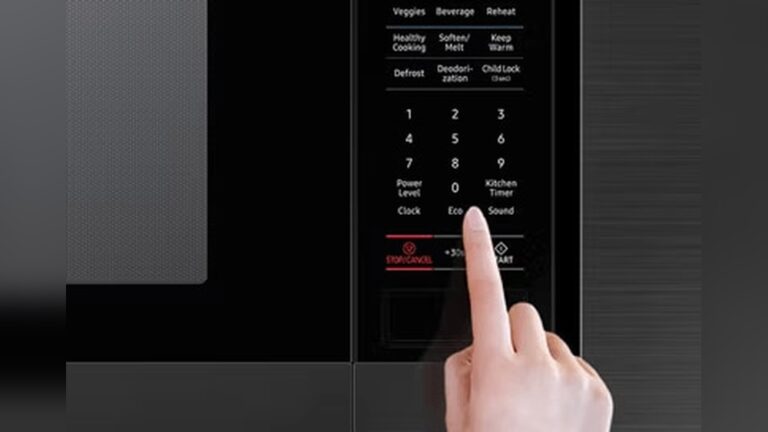
- Disable child lock: Look for a lock icon. Try holding Stop or 0 for 3 seconds.
- Exit demo mode: Some new models ship in demo. Check the manual or settings menu.
- Set the clock: Many units lock functions until you set the time.
- Water test: Place a mug of water inside. Heat for 1 minute on High. Warm water means basic functions work.
If the unit shut down mid-cook, let it cool for 15 to 30 minutes. Blocked vents can trigger a thermal protector.
Troubleshooting by symptom
Use these simple tests to narrow the cause without opening the unit. This is the safe way to learn how to fix microwave problems fast, without risk.
Microwave not heating
Try the 1-minute water test on High. If the water stays cold but the light and turntable work, internal parts may be at fault. Possible causes include the magnetron, diode, capacitor, or door interlock. Do not open the case. This is a job for a professional.
Check cookware. Use microwave-safe glass or ceramic. Metal trim, foil, or insulated mugs can block heat.
Microwave runs, then stops
This often means overheating. Make space for airflow: leave at least a few inches on sides and back. Clean grease filters on over-the-range units. Let the unit cool and try again with a light load.
Make sure the turntable can spin. A jam can make the unit stop to protect itself.
Turntable not spinning
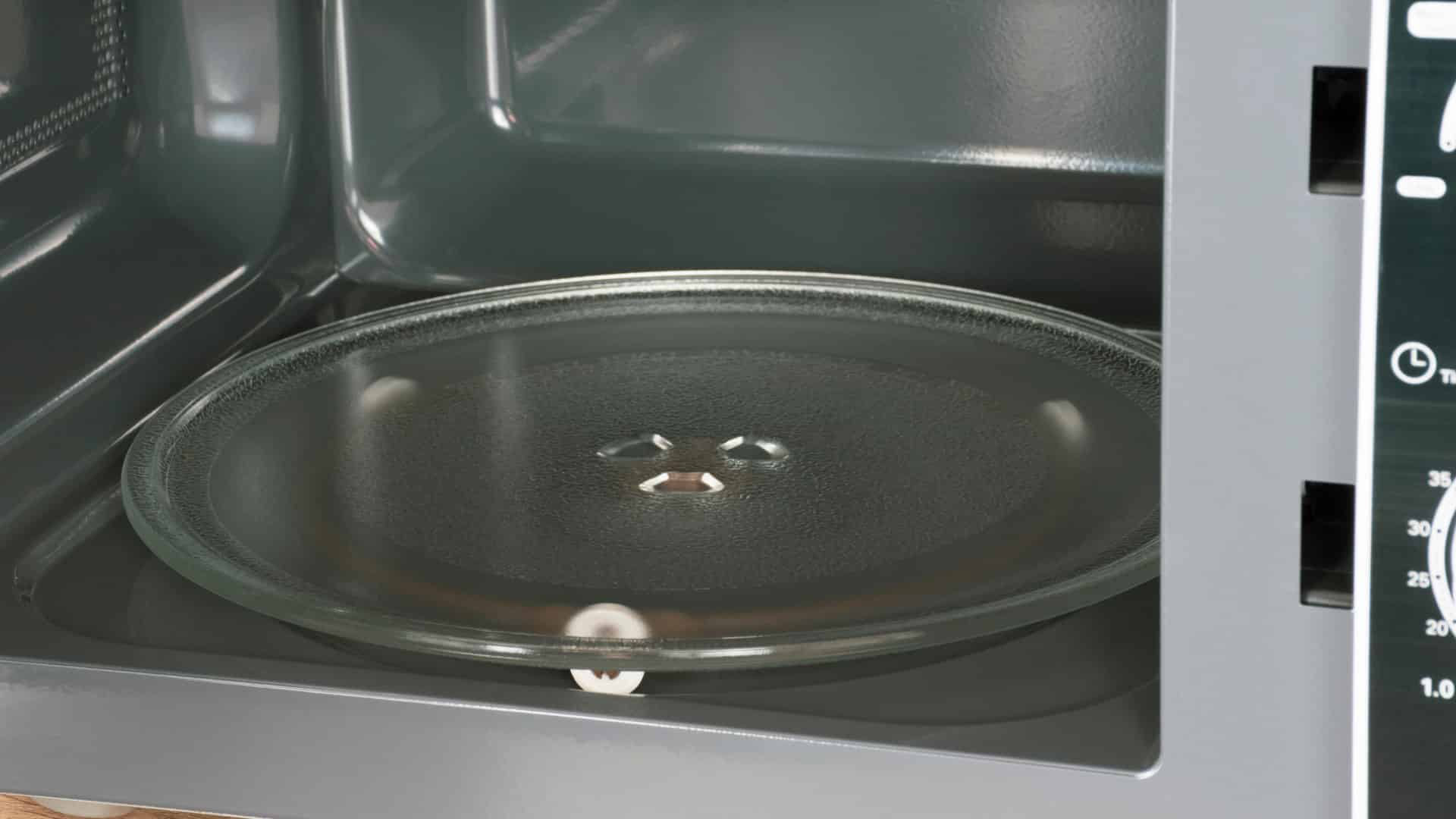
Lift the glass plate. Reseat it on the coupler. Clean the roller ring and floor. Look for broken wheels or food spills. If the motor hums but will not spin, a motor may be bad. That is a professional repair.
Keypad or buttons not working
Check child lock. Dry out moisture. Steam can sit behind the keypad after heavy cooking. Unplug for 10 minutes, open the door, and let it air. If only some keys fail, the touch membrane may be worn. Contact service.
Loud hum, grinding, or rattling
Remove the plate and roller ring. Clean and test again. If noise is gone, the plate was rubbing. If noise stays with the plate out, it could be the fan, turntable motor, or magnetron. Stop and call a pro.
Sparks or burning smell inside
Stop at once. Remove any metal twist ties, foil, or decor with metallic paint. Check the waveguide cover on the side wall or ceiling. If it is burnt, bubbled, or has holes, do not use the microwave. Have the cover replaced before the next test. Clean food splatter, since carbonized grease can spark.
Trips breaker or GFCI
Move the microwave to a dedicated outlet if possible. Avoid power strips. If it trips even on a known-good circuit, there may be an internal short or a failing component. Call a technician.

How to fix microwave door issues safely
Door problems stop heating. The interlock must click in cleanly. Dirt, sticky sauce, or a loose plate can keep the door from sealing.
- Clean the door seal and latch: Wipe the rubber gasket and latch hooks. Food buildup can block the switch.
- Check alignment: Close the door and look for even gaps. If the door droops or rubs, do not bend it. Hinges and interlocks need precise alignment by a pro.
- Listen for two or three clicks: No click may mean a blocked latch or a failed switch. Do not open the case to replace door switches on your own.
These simple checks are the safest way to start when you ask how to fix microwave door problems.

Cleaning and care that prevent most problems
A clean microwave runs cooler, smells better, and avoids sparks. This part of how to fix microwave issues is simple and quick.
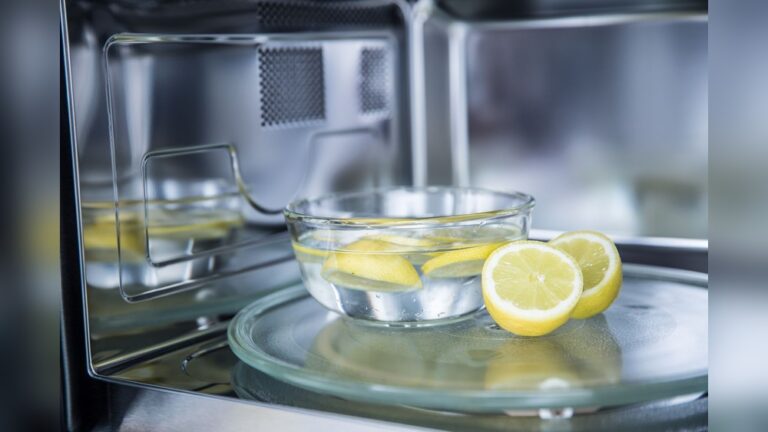
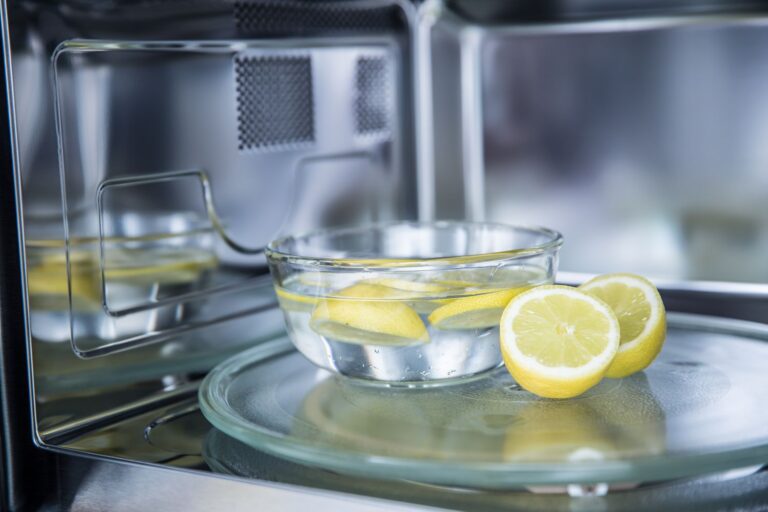
- Steam clean: Heat a bowl with 1 cup water and 2 tablespoons vinegar for 3 minutes. Let it sit 2 minutes. Wipe walls and ceiling.
- Clean turntable parts: Wash the glass plate and roller ring. Dry well.
- Wipe the door seal and frame: Keep grime away from the latch area.
- Clear vents: Vacuum intake and exhaust grills.
- Over-the-range models: Wash the grease filter with warm soapy water each month. Replace the charcoal filter every 6 to 12 months, per your manual.

Repair or replace: costs and smart choices
Here is a simple rule. If the unit is under 3 years old and the issue is minor, repair is worth it. If it is older than 7 years or needs a magnetron or control board, replacement may cost less.
Typical ranges vary by region. A service visit can cost as much as a budget microwave. Large built-in units are worth repairing longer, since replacement and trim kits are pricey. If safety parts fail, choose repair by a pro or replace the unit.

What you should never DIY on a microwave
Knowing what not to touch is part of how to fix microwave problems safely.
- Internal high-voltage parts: Capacitor, diode, transformer, magnetron.
- Door interlock switches and latch mounts: Misalignment can cause radiation leakage.
- Internal fuses and wiring: These exist for safety and fire prevention.
- Radiation leakage tests: Require special equipment and training.
Modern safety manuals warn against opening the case. This is not like fixing a toaster. Leave internal work to licensed technicians.
My field notes and time-saving tips
I have seen many “broken” microwaves fixed in five minutes. Here are common wins.
- GFCI was tripped: Reset the first GFCI on the counter line. The microwave came back at once.
- Demo mode on new units: Heating stays off to show features. Turn demo mode off in settings.
- Power level set low: Users hit Power 2 by mistake. Reset to High and heat again.
- Turntable off button: Some models let you disable the turntable. Re-enable it for even heating.
- Over-the-range filters packed with grease: The unit overheated. A clean filter solved random shutoffs.
These real cases show how to fix microwave issues without tools, risk, or stress.
Step-by-step safe checklist to fix microwave issues
Follow this simple, safe plan whenever you need to know how to fix microwave problems at home.
- Unplug the microwave for 2 minutes. Plug it back in.
- Test the wall outlet with a lamp. Reset GFCI and breakers.
- Disable child lock and exit demo mode.
- Place a mug of water inside. Heat 1 minute on High.
- Clean the interior, plate, roller ring, and door seal.
- Reseat the plate and roller ring. Make sure they spin free.
- Give the unit space. Clear vents and clean filters.
- Try microwave-safe cookware only. No metal or foil.
- If sparks, smoke, or burning smell occur, stop and unplug.
- If there is no heat or it trips power again, call a technician.
Use this checklist every time you wonder how to fix microwave failures. It keeps you safe and saves time.
Frequently Asked Questions of how to fix microwave
Why does my microwave run but not heat?
The high-voltage system may have failed, or the door interlock is not engaging. This needs a professional diagnosis because internal parts store dangerous voltage.
How do I reset my microwave?
Unplug it for 2 minutes, then plug it back in and set the clock. Some models have a clear or stop button you can hold for a few seconds to reset controls.
Why does my microwave spark?
Metal objects, twist ties, or carbonized food can spark. Remove metal, clean splatters, and inspect the waveguide cover; if it is burnt, stop using the unit until it is replaced.
Can a blown fuse be replaced at home?
Microwave fuses are inside the case and near high voltage. Do not open the unit; ask a licensed technician to replace and test safely.
Why does my microwave trip the breaker?
It may be on an overloaded circuit or the unit has an internal short. Try a dedicated outlet; if it still trips, schedule service.
How often should I replace filters on an over-the-range microwave?
Wash the grease filter monthly and replace the charcoal filter every 6 to 12 months. Check your manual for the correct part and timing.
Is it safe to use a microwave with a cracked glass turntable?
No. A cracked plate can shatter under heat. Replace it with the correct part for your model.
Conclusion
You can solve many issues with simple, safe steps. Check power, reset controls, clean key parts, and run a quick water test. These basics cover most cases and teach you how to fix microwave problems without risk.
If heat is gone, power keeps tripping, or you see sparks or burning, stop and call a pro. Your safety comes first. Try the checklist today, keep your microwave clean, and share your results. Want more guides like this? Subscribe for updates or leave a comment with your question.