How To Fix A Microwave: Step-By-Step Guide
Unplug it, check power, door, tray, and filters; leave high-voltage repairs to pros.
If you want to learn how to fix a microwave the smart, safe way, you’re in the right place. I’ve repaired dozens in homes and shops, and I’ll show you clear steps, common mistakes, and when to stop and call a tech. This guide makes how to fix a microwave simple, safe, and practical, with tips you can use today.

Safety first: what you should and should not do
Microwaves can store a deadly charge even when unplugged. That high-voltage capacitor can bite hard. So we focus on safe checks you can do from the outside, and we leave high-voltage repairs to certified techs.
Do this first:
- Unplug the microwave before any cleaning or part swaps.
- Read the user manual for your exact model number.
- Keep vents clear and let the unit cool if it overheats.
- Use a surge protector to reduce future failures.
Do not do this:
- Do not remove the outer cover or touch internal parts.
- Do not try to discharge a capacitor yourself.
- Do not bypass door switches or fuses.
- Do not run the oven empty for tests.
Personal note: I’ve seen good people get hurt by hidden charge, even hours after unplugging. If a fix involves the magnetron, transformer, high-voltage diode, or internal fuses, stop. That job goes to a pro.

Tools, parts, and info you’ll want on hand
You do not need a full shop to start. A few basics help a lot.
- Your model number and user manual for diagrams and part access.
- A notepad or phone to take photos before you move anything.
- Glass cleaner, mild dish soap, and a soft cloth.
- A new charcoal or grease filter if your model is an over-the-range unit.
- A spare turntable ring, roller, or coupler if yours is worn.
- A surge protector rated for kitchen appliances.
If the manual shows an external bulb access panel, you may replace the bulb safely after unplugging. If not, leave the bulb to a pro. Any step that needs you to pull the cover is not a DIY step.

Quick checks before you open anything
Most “dead” or “weird” microwaves come back after simple checks. Here is how to fix a microwave fast without risk.
- Power supply check. Plug a lamp into the outlet. If the lamp fails, reset the breaker or GFCI. Try a different outlet if allowed.
- Hard reset. Unplug for 2 minutes. Plug back in. This clears many control glitches.
- Door seal and latches. Clean the door frame, latch hooks, and strike plate. Debris can block the interlocks and stop heating.
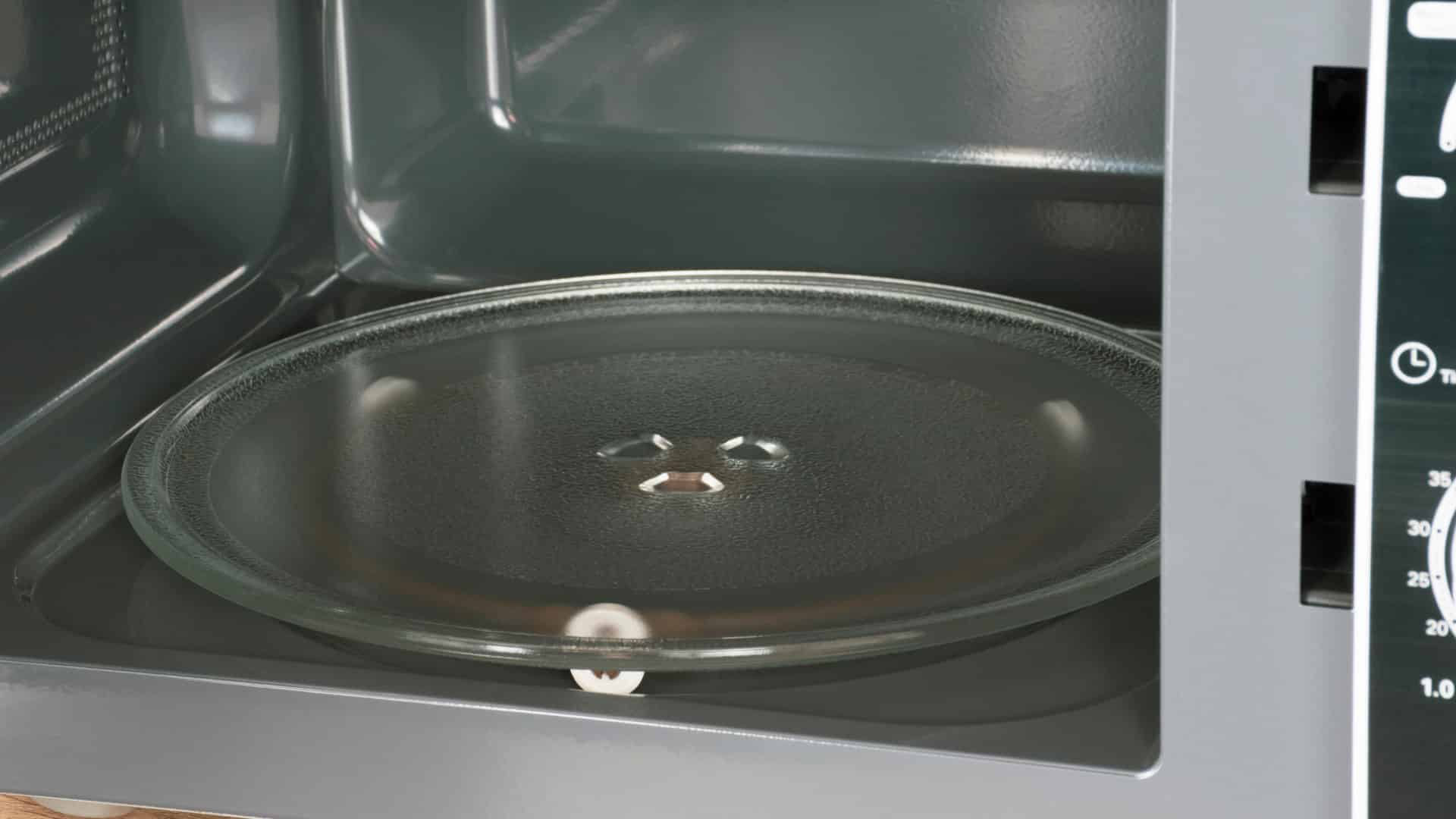
- Turntable and rollers. Remove the tray. Clean and reseat the roller ring and coupler. Test with a cup of water.
- Vent and filters. For over-the-range units, replace the charcoal filter and clean grease filters with warm soapy water.
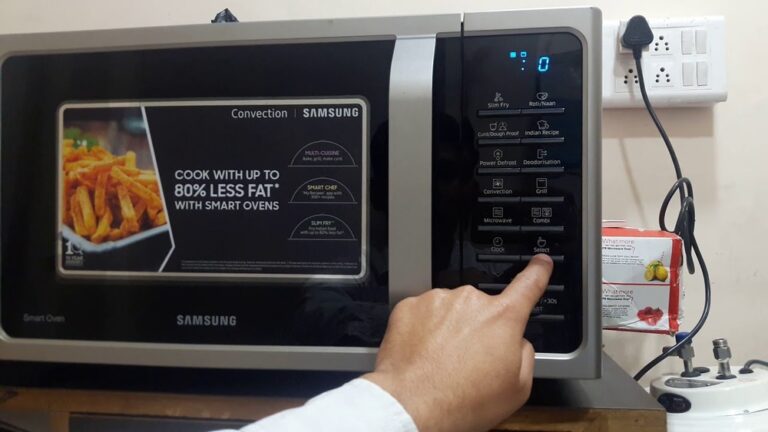
- Child lock. Look for “LOCK” or a key icon. Hold Stop or 0 for 3 to 5 seconds to toggle on/off per your manual.
- Cooling timeout. If it shut down mid-cook, let it rest 15 minutes. Many models trip thermal protection when vents are blocked.

Diagnose by symptom: what to test and what to skip
Knowing how to fix a microwave starts with reading the signs. Use this symptom guide to narrow the cause and choose safe steps.
No power at all
- What to try. Check the outlet, breaker, and GFCI. Try a hard reset. Inspect the power cord for damage.
- When to stop. If it blows the breaker or the display stays dead with a known-good outlet, call a pro.
Runs but does not heat
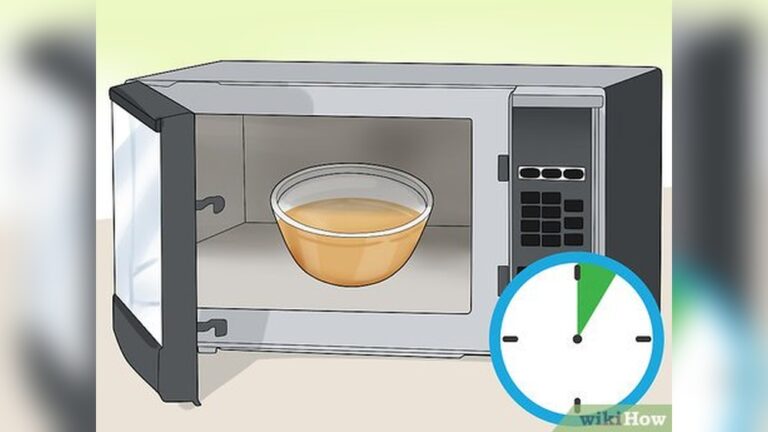
- What to try. Clean door latches. Reseat tray and rollers. Test with a cup of water for 1 minute on High.
- Likely pro-only. Magnetron, high-voltage diode, transformer, or high-voltage capacitor. These are not DIY repairs.
Sparks or arcing inside
- What to try. Remove any metal twist ties, foil, or decortrim dishes. Clean food splatter, especially near the waveguide cover. Replace a burned waveguide cover through the manufacturer only if your manual shows safe access.
- When to stop. If sparking persists with an empty clean cavity and microwave-safe cup of water, call a tech.
Turntable not spinning
- What to try. Clean and reseat the tray, ring, and coupler. Try a lighter cup. Heavy loads can stall weak motors.
- DIY parts. Many models let you replace the roller ring, glass tray, or coupler from inside the cavity. A motor usually needs internal access, so that is pro work.
Keypad not responding
- What to try. Toggle child lock. Hard reset. Clean the control panel with a barely damp cloth.
- When to stop. If random beeps or dead buttons remain, the touchpad or control board may be failing. That needs a pro.
Door error or won’t start
- What to try. Clean latch hooks and strike plate. Firmly close the door. Check that the oven is square and not twisted on the counter.
- When to stop. Door switch alignment or replacement requires internal access. That is technician territory.
Loud humming, grinding, or buzzing
- What to try. Remove tray and ring, wipe, and reseat. Check for debris under the coupler.
- When to stop. Persistent loud noises can mean a failing magnetron or fan motor. Call a pro.
Burning smell or smoke
- What to try. Unplug now. Open windows. Inspect the cavity for burned food or packaging.
- When to stop. Any electrical smell or smoke from vents is a red line. Do not restart; get service.
Safe repairs you can do today
These fixes are simple, low risk, and often solve the problem.
Replace or clean filters
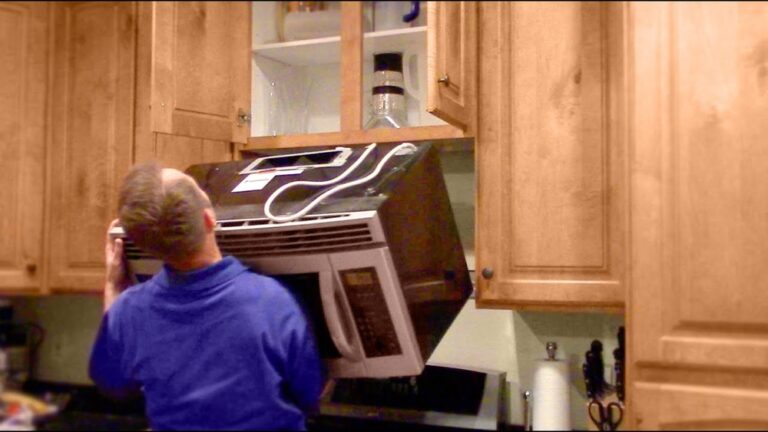
- Countertop models may not have charcoal filters, but over-the-range units do. Unplug first. Remove the grille per the manual. Swap the charcoal filter. Wash grease filters with warm soapy water and let them dry fully.
Deep-clean the interior and door
- Use a bowl of water with lemon slices. Heat for 2 minutes, let steam soften splatter, then wipe. Clean the door gasket and around latch hooks to help the interlocks read the door as closed.
Reseat or replace tray parts
- Pull the tray, roller ring, and coupler. Clean, inspect for flat spots or cracks, and replace worn parts. These are cheap and easy wins.
Check child lock and settings
- Many calls I get are “broken keypad” that turn out to be child lock. Hold Stop or 0 for a few seconds. Your manual has the exact combo.
Bulb replacement if there is an external access door
- Some models have a small panel for the cavity or cooktop light. Unplug first. If your manual shows an external access panel, remove it and swap the bulb. If not, let a tech handle it.
What to avoid
- Any fix that needs removing the outer shell. That includes fuses, door switches, magnetron, diode, transformer, or capacitor.

Cost guide: repair or replace?
Knowing how to fix a microwave also means knowing when to stop. Here is a simple cost view.
- Common DIY parts. Turntable ring or coupler: 10–25 USD. Charcoal filter: 15–40 USD. Glass tray: 25–60 USD. Bulb: 5–15 USD.
- Typical pro jobs. Door switch or fan motor: 120–220 USD total. Control board: 180–300 USD. Magnetron: 200–400 USD+ depending on model.
- Replace vs repair. If the unit is 8–10 years old or the quote is more than half the cost of a new unit, replacement is often smarter.
- Warranty check. Many magnetrons have longer part warranties. Labor may not be covered, but it can save you on parts.

Maintenance to prevent future problems
A good routine cuts failures and keeps food heating even.
- Keep vents clear. Leave a few inches of space for airflow.
- Clean weekly. Wipe splatter, tray, and roller ring. Food carbon can arc like tiny lightning.
- Cover food. A vented cover reduces mess and protects the waveguide cover.
- Use microwave-safe dishes only. No metal trim, cracked glaze, or unknown plastics.
- Do not run empty. Always include a cup of water during test runs.
- Add surge protection. Power spikes are common and can damage control boards.
These simple habits are the quiet secret behind how to fix a microwave for the long run.
When to call a professional
There are clear signs that end DIY.
- It trips a breaker or GFCI more than once.
- It runs but will not heat.
- You smell hot electronics or see smoke.
- It shows door errors after cleaning and careful closing.
- It needs internal parts like fuses, door switches, magnetron, diode, or capacitor.
Look for factory-authorized service, good reviews, and clear labor rates. Share the model number and a short symptom list. This helps the tech bring the right parts and saves you a second visit. Knowing how to fix a microwave includes knowing when expert help is the safest fix.

Frequently Asked Questions of how to fix a microwave
Is it safe to open my microwave to replace a fuse?
No. The high-voltage parts can hold a dangerous charge even when unplugged. Fuse checks and replacements are for trained technicians only.
Why does my microwave run but not heat?
That points to the high-voltage system, like the magnetron or diode. These repairs are not DIY; call a certified tech.
How often should I replace the charcoal filter?
Every 6 months with normal use, or sooner if you cook a lot. A clogged filter reduces airflow and can cause overheating.
Can a dirty door latch stop it from starting?
Yes. Grease and crumbs can block the interlocks from sensing a closed door. Clean the latch hooks and strike plate, then test again.
Will a surge protector really help?
It helps protect the control board from voltage spikes. Pick a quality surge protector rated for kitchen appliances.
What is the easiest first step for how to fix a microwave at home?
Unplug it, do a hard reset, and clean the door seals and tray. Then check the outlet and filters before going further.
Can I replace the light bulb myself?
If your manual shows an external access panel, yes. If bulb access requires removing the outer cover, leave it to a pro.
Conclusion
You now know how to fix a microwave the safe and smart way. Start with power checks, a hard reset, and a deep clean. Replace easy parts like filters, trays, and couplers. Stop at the cabinet line and call a pro for anything high-voltage or internal.
Use this guide as your checklist today. Tackle the quick wins, keep up with simple maintenance, and you will save time, money, and stress. Want more guides like this? Subscribe, share your results, or drop a question—I’m here to help.