How to Change Microwave Power: Easy Steps for Perfect Cooking
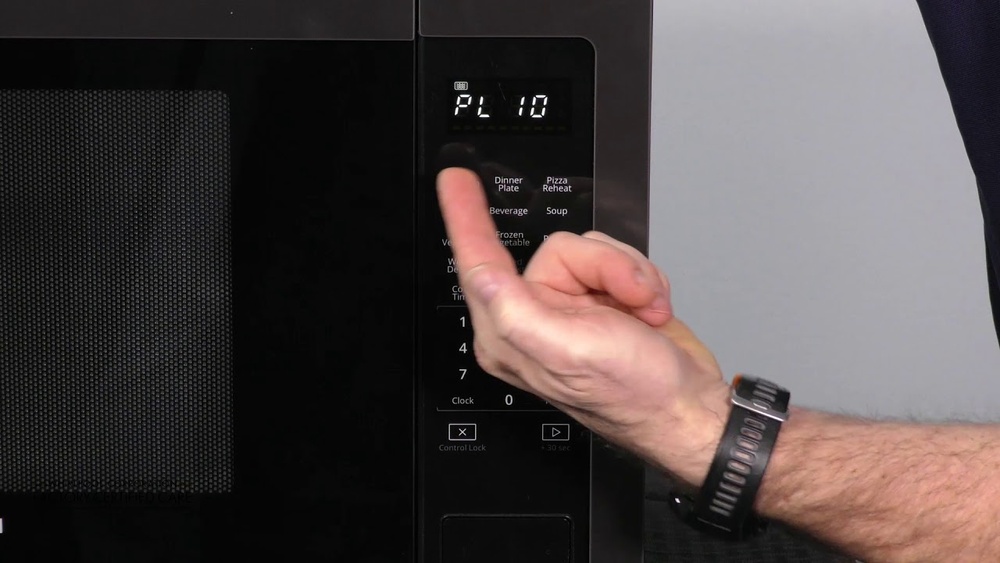
Are you tired of unevenly heated meals or overcooked leftovers? Knowing how to change your microwave’s power level can make all the difference in cooking your food just right.
Whether you want to gently defrost frozen items or quickly heat a snack, adjusting the power lets you take full control. In this guide, you’ll learn simple steps to change microwave power settings on most models, plus tips to troubleshoot common issues.
By the end, you’ll be confident in customizing your microwave’s power for perfect results every time. Keep reading to unlock the full potential of your microwave!
Microwave Power Levels
Microwave power levels control how much energy the microwave uses during cooking. Adjusting power levels helps cook food evenly and prevents overcooking. Understanding these levels can improve your cooking results and save energy.
What Power Levels Mean
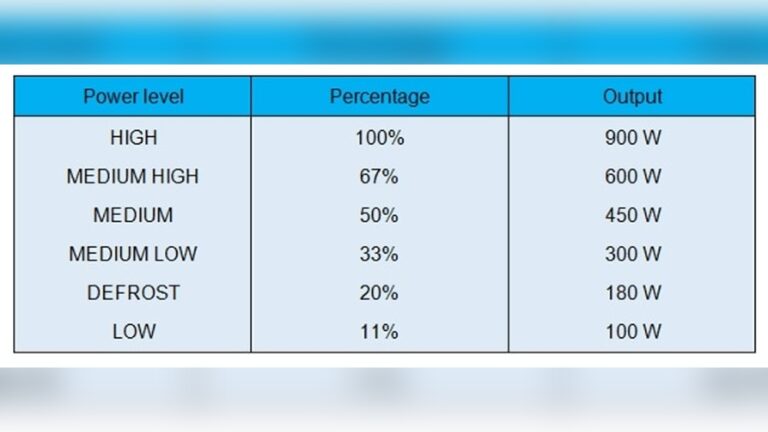
Microwave power levels range from high to low. High power uses the full energy output of the microwave. Low power reduces the energy, cooking food more gently. Each level affects cooking time and food texture.
Power levels are often shown as percentages or numbers. For example, 100% or level 10 means full power. Lower percentages or levels reduce the power accordingly. This helps cook delicate foods without burning.
Common Power Settings Explained
Most microwaves have power settings from 1 to 10. Level 10 is full power for quick cooking. Level 7 or 8 is medium-high, good for reheating or cooking dense foods. Level 5 is medium power, ideal for gentle cooking or defrosting.
Lower levels like 3 or 4 help simmer or soften food slowly. Level 1 or 2 is very low power, used for keeping food warm. Choosing the right setting depends on the food type and cooking goal.

Credit: www.youtube.com
How To Adjust Power
Adjusting the microwave power helps you cook food evenly and avoid overcooking. Different foods need different power levels to cook well. Lower power levels cook food slower, while higher power levels cook faster. Learning to adjust power on your microwave can improve your cooking results.
Using The Control Panel
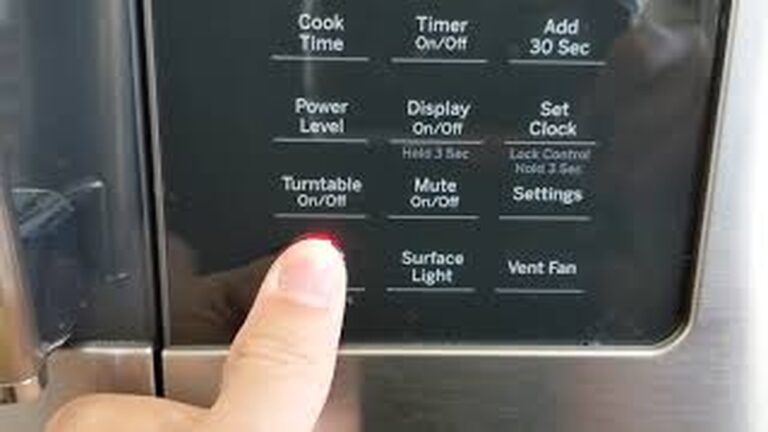
Most microwaves have a control panel with buttons. First, press the “Cook Time” button. Enter the cooking time using the number pad. Then, press the “Power Level” button. Use the number pad to choose a power level from 1 to 10. Press “Start” to begin cooking. The microwave will run at the selected power.
Setting Power On Dial Models
Older microwaves often use a dial to set power. Turn the dial to set the cooking time. Press the “Power Level” button or knob. Turn the dial clockwise to increase power or counterclockwise to lower it. Press the dial to confirm your choice. Finally, press the “Start” button to cook your food.
Touchpad Power Level Selection
Touchpad microwaves offer simple power level options. After entering the cook time, tap the “Power Level” key. Use the touchpad to select a power level. Some models show power as percentages or numbers. Confirm the level and press “Start” to cook. This method gives quick and precise power control.
Tips For Perfect Cooking
Cooking with the right microwave power makes a big difference. Adjusting power levels helps cook food evenly and avoid mistakes. These tips guide you to use microwave power settings for the best results.
Follow simple steps to match power levels to your food type. Avoid overcooking and use lower power for gentle heating. These tricks save time and keep your food tasty.
Matching Power To Food Type
High power suits dense foods like vegetables and meats. Use medium power for reheating soups or sauces. Low power works best for delicate items like chocolate or bread. Choosing the right power prevents overcooking or cold spots.
Avoiding Overcooking
Set shorter cooking times and check food often. Stir food halfway through cooking for even heat. Use lower power for slow, gentle cooking to keep moisture. These steps stop food from drying out or burning.
Using Lower Power For Even Heating
Lower power heats food slowly and evenly. It helps when thawing frozen meals or cooking casseroles. This setting stops hot edges and cold centers. Patience with low power brings better texture and taste.

Credit: www.wikihow.com
Troubleshooting Power Issues
Microwave power issues can disrupt your cooking routine. Identifying simple fixes saves time and effort. Troubleshooting helps restore proper function without professional help.
Check common causes before calling for service. Many power problems stem from minor faults. Try these easy steps to fix power issues.
Resetting The Microwave
Resetting your microwave can clear minor errors. Unplug the microwave from the power outlet. Wait for at least one minute. Plug it back in and test the power settings. This often resets the control board and restores normal operation.
Cleaning The Control Panel
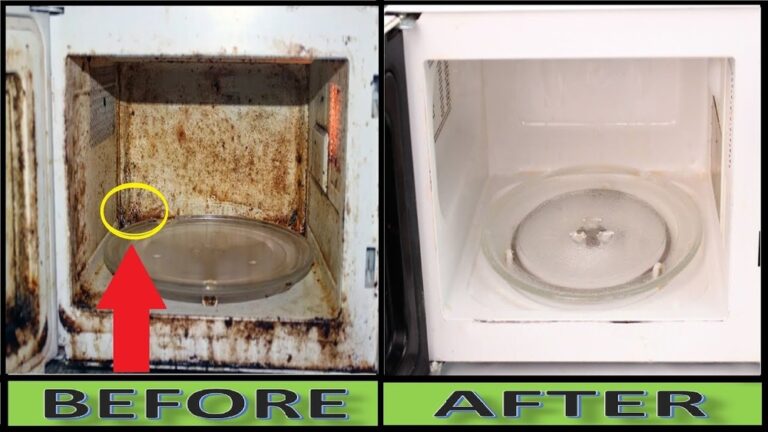
Dirt or grease on the control panel can block buttons. Use a soft, damp cloth to clean the panel surface. Avoid using harsh chemicals that might damage buttons. Clean regularly to keep the keypad responsive and easy to use.
Testing Buttons And Keypad
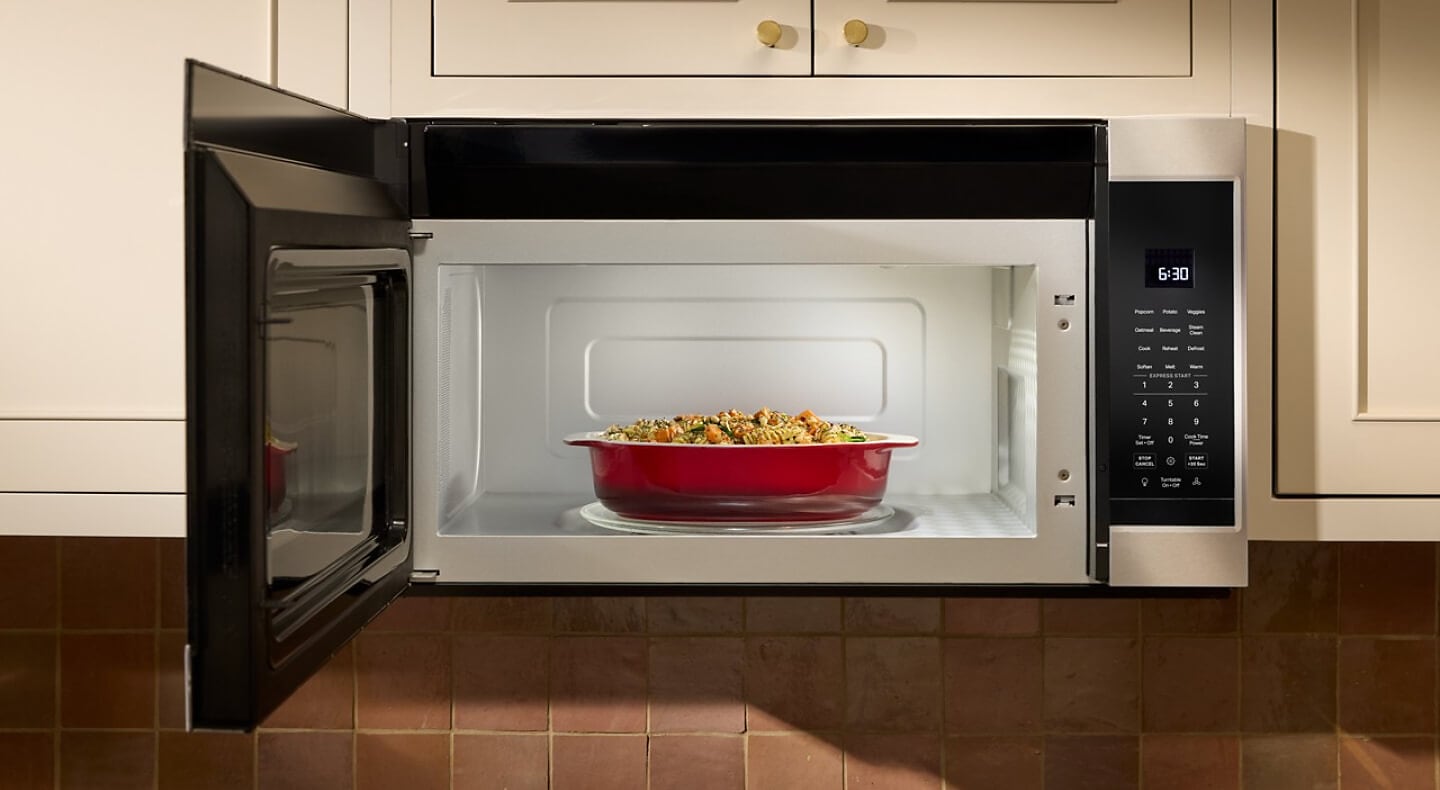
Unresponsive buttons may cause power level changes to fail. Press each button to check if it works properly. If some buttons are stuck or unresponsive, they might need repair. Contact a technician if keypad issues persist after cleaning.
Credit: www.kitchenaid.com
Frequently Asked Questions
Can You Change The Wattage On A Microwave?
You cannot change a microwave’s wattage as it is fixed by the manufacturer. You can adjust power levels instead. Use the microwave’s control panel to select lower or higher power settings for different cooking needs.
How To Change Microwave To 30% Power?
To set microwave power to 30%, press the Cook Time button, enter cooking time, then select Power Level. Choose level 3 or 30%, and press Start.
Why Won’t My Microwave Let Me Change The Power Level?
Your microwave may block power level changes due to a dirty keypad, faulty membrane switch, or defective control board. Clean the panel first. If problems persist, the keypad or control board might need repair or replacement.
Conclusion
Changing your microwave’s power level helps cook food just right. Follow your microwave’s instructions for easy adjustments. Lower power works well for gentle heating and defrosting. Higher power suits quick cooking and boiling. Practice makes it simple to use power settings confidently.
Enjoy better meals by controlling microwave power easily. Experiment with settings to find what works best for you. Keep your microwave clean to avoid control problems. Now you know how to change microwave power levels quickly and safely.