How to Unlock a Ge Microwave: Quick & Easy Step-by-Step Guide
Is your GE microwave locked and leaving you stuck, unsure how to get it working again? Whether it’s the child lock feature activating or the control panel freezing unexpectedly, it can be frustrating when you just want to heat your food quickly.
But don’t worry—you’re not alone, and unlocking your GE microwave is simpler than you think. In this guide, you’ll discover clear, easy steps to unlock your microwave fast, so you can get back to cooking without stress. Ready to take control of your microwave again?
Let’s dive in and unlock it together!
Credit: www.youtube.com
Microwave Lock Basics
GE microwaves often lock for safety and convenience. Understanding why your microwave locks helps you unlock it quickly. Three common reasons cause the microwave to lock: child safety, post-cooking safety, and control panel lock. Each reason has a specific purpose to protect users and prevent accidents.
Child Safety Feature
The child safety feature prevents kids from using the microwave alone. It locks the control panel to stop accidental starts. This feature activates with a simple button press and stays on until manually turned off. It keeps children safe from burns and other hazards.
Post-cooking Safety Lock
After cooking, the microwave may lock the door for a short time. This prevents opening the door too soon. The lock avoids hot steam or food spills that can cause injuries. It usually releases automatically once it is safe to open the door.
Control Panel Lock
The control panel lock stops accidental or unwanted button presses. This is useful during cleaning or when the microwave is not in use. You can activate or deactivate this lock with a few seconds of pressing specific buttons. It helps maintain the microwave’s settings and prevents errors.
Common Locking Reasons
Unlocking the microwave door on a GE model is simple with the right steps. Some models use a safety feature that keeps the door locked during cooking or when the control lock is active. Understanding how to release the door safely helps prevent damage to the microwave and ensures quick access to your food.
Two-step Door Release Process
Most GE microwaves require a two-step process to open the door. First, press the Start/Pause or Cancel/Off button. This stops any cooking cycle or unlocks the control panel. Next, press the door latch release button or pull the door handle gently. This combination lets you open the door without forcing it.
This method protects the microwave’s locking mechanism and keeps it working properly. Avoid opening the door while the microwave is running to prevent harm or damage.
Handling Stuck Door Locks
Sometimes the door lock might get stuck. This can happen if the control lock feature is on or if debris blocks the latch. Start by pressing and holding the Clear/Off button for three seconds. This often disables the control lock and frees the door.
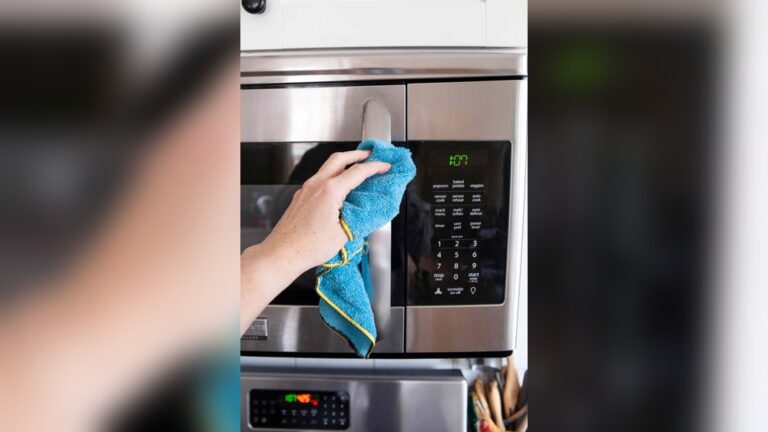
If the door still won’t open, check for dirt or moisture around the latch. Clean gently with a soft cloth. Never force the door open as this can break the lock or door seal. If problems continue, consult your GE microwave’s user manual for specific tips.
Quick Unlock Methods
Each GE microwave model may have a unique way to disable its lock feature. Following model-specific tips helps avoid frustration and saves time. These tips focus on the exact steps for your microwave model. They ensure you handle the lock safely and correctly.
Pay close attention to your microwave’s control panel and buttons. Some models use a dedicated lock button. Others require a combination of buttons pressed together. Knowing your model’s method prevents accidental damage or confusion.
Consulting User Manuals
User manuals provide the most reliable information for your microwave model. They explain the lock feature and the exact steps to disable it. Manuals often include diagrams and warnings to guide you. If you lost the manual, you can download it from GE’s official website by entering your model number.
Reading the manual helps you understand safety precautions. It also shows which buttons to press and how long to hold them. This reduces guesswork and avoids mistakes. Keep the manual handy for future reference or troubleshooting.
Using Online Video Guides
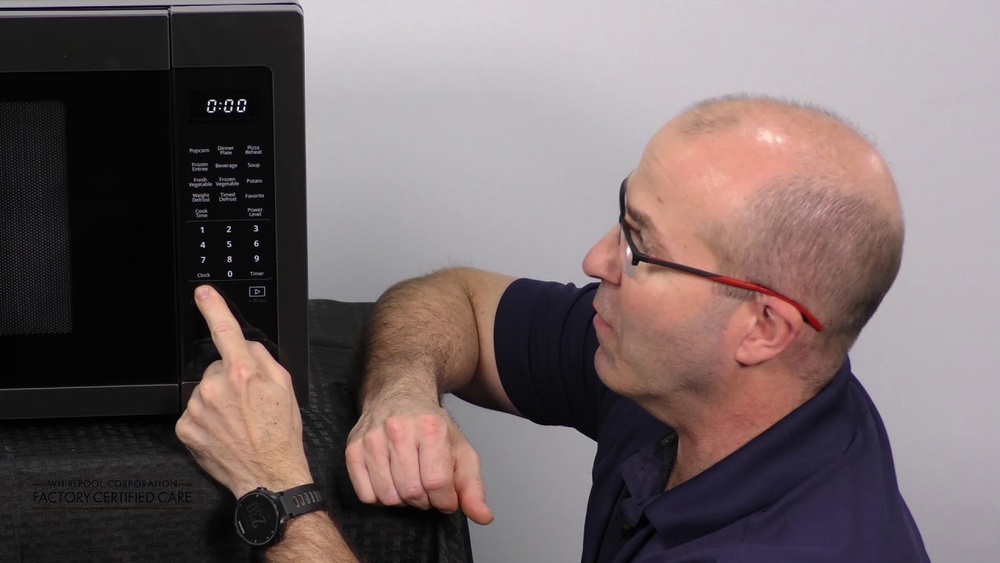
Online videos offer visual instructions for unlocking specific GE microwave models. Watching a step-by-step guide makes the process clearer. You see the exact buttons pressed and the sequence followed. This is helpful if you find written instructions confusing.
Search for your model number and “unlock microwave” on video platforms. Select videos with high views and positive feedback. Follow the instructions carefully and pause the video when needed. Videos give practical tips that manuals may not cover.

Credit: www.amazon.com

Credit: www.hunker.com
Frequently Asked Questions
How Do I Turn Off The Lock On My Ge Microwave?
Press and hold the Clear/Off or Lock Controls button for 3 seconds to turn off the lock on your GE microwave. Consult your manual for model-specific steps.
How Do You Get A Microwave Out Of Lock Mode?
Press and hold the Clear/Off or Pause/Off button for about three seconds. The control lock will disable, unlocking your GE appliance.
How Do I Unlock My Ge Control Lock?
Your microwave locks mainly for safety, using a child lock to prevent accidental use or burns. It also locks after cooking to avoid immediate door opening. The control panel lock stops unintended button presses, keeping the microwave secure until you unlock it deliberately.
Conclusion
Unlocking a GE microwave is simple with the right steps. Press and hold the Clear or Off button for a few seconds. Some models use a dedicated Lock button—try that too. If these don’t work, try power cycling the microwave.
Keep the control panel clean to avoid false locks. Always check your user manual for your model’s instructions. Now, you can use your microwave without worry or delays. Easy and quick—just what you need in the kitchen.