Why My Microwave Is Not Working: Easy Fixe
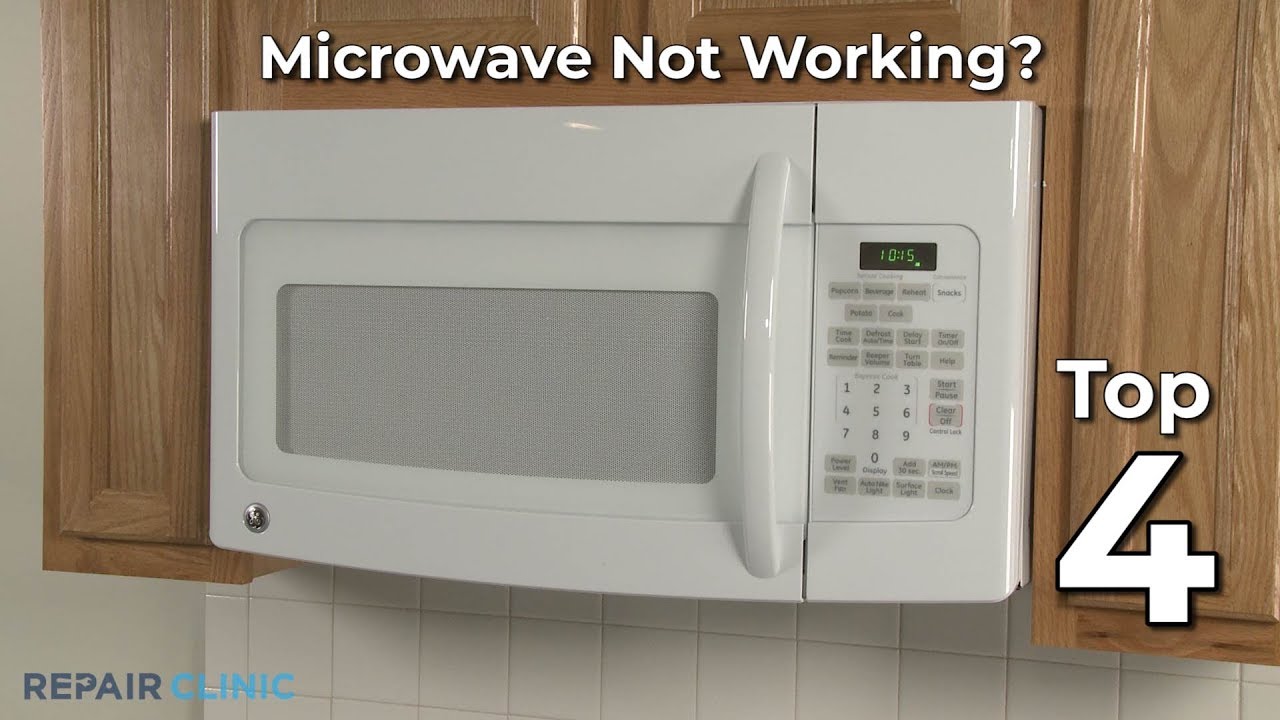
Most microwaves stop working because of power faults, door switch issues, or blown fuses.
If you’re asking why my microwave is not working, you’re not alone. I’ve helped hundreds of homeowners fix dead displays, silent beeps, and cold leftovers. This guide blends hands-on experience with clear, safe steps so you can diagnose, choose repair or replace, and stop guessing. Let’s figure out why my microwave is not working and get you cooking again.

Start with safe, simple checks
Before opening anything, unplug the microwave. High voltage inside can stay charged even when off. Many problems turn out to be simple power or settings issues. These quick checks can save time and money.
Try these first:
- Confirm the outlet works. Plug in a lamp or phone charger. If dead, reset the breaker or GFCI.
- Check the door. A loose latch or misaligned door switch will block operation.
- Verify the timer and power level. Make sure it’s not set to 0% or on a timer delay.
- Remove metal. Foil, twist ties, or bowls with metallic trim can trip safety sensors.
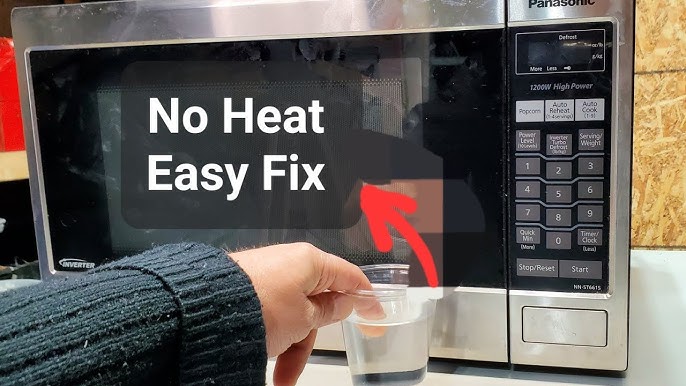
- Try a water test. One cup of water on high for 60–90 seconds helps confirm heating.
If you fix it with one of these, great. If not, we will dig deeper into why my microwave is not working and what to do next.

Common reasons why my microwave is not working
Microwaves fail in predictable ways. Matching the symptom to the cause narrows your fix fast. Below are the most common patterns I see when people ask why my microwave is not working.
No power at all
- Tripped breaker or GFCI. Kitchen circuits often share outlets. Reset both.
- Loose plug or bad outlet. Wall outlets can wear out; test with another device.
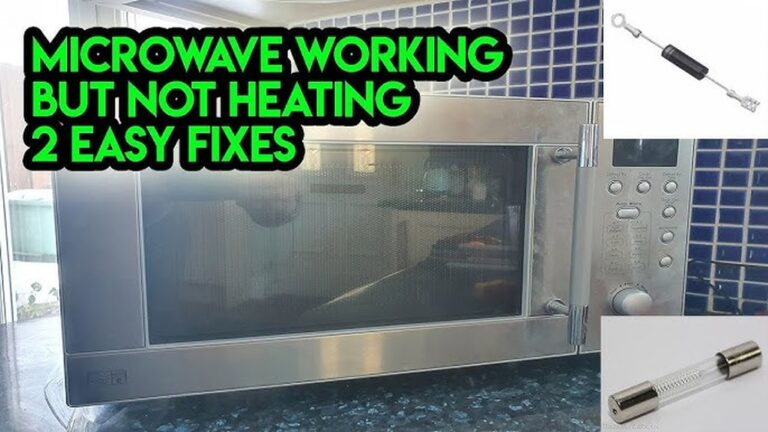
- Blown line fuse inside the microwave. This points to a short or surge and needs a pro.
Runs, but does not heat
- Door switch failure. The microwave thinks the door is open and blocks the magnetron.
- High-voltage diode or capacitor failure. The unit hums but never heats.
- Magnetron failure. Common on older units or after frequent heavy use.
Buttons don’t respond or display is blank
- Control lock or child lock is on. Unlock it with the correct key combo.
- Faulty keypad membrane. Common on older touchpads or after liquid spills.
- Control board failure. Power surges can damage onboard relays.
Turntable not spinning
- Turntable off setting. Some models allow you to disable rotation.
- Dirty or misaligned roller ring. Clean and reseat the ring and coupler.
- Turntable motor failure. It can fail quietly and is usually a low-cost part.
Loud humming, sparks, or burning smell
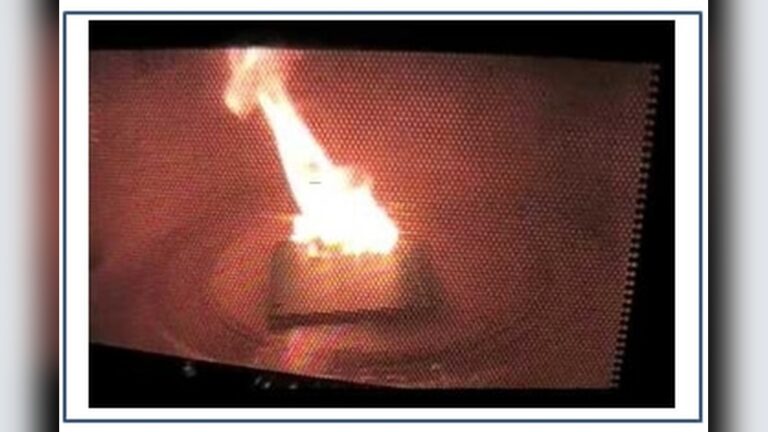
- Food splatter on the waveguide cover. Clean or replace the cover if burned.
- Metal inside. Remove the item and inspect for damage.
- Failing magnetron or diode. Stop use and call a pro. Safety first.
When I get a call about why my microwave is not working, I start with these checks. They cover most home failures and help you decide your next step.
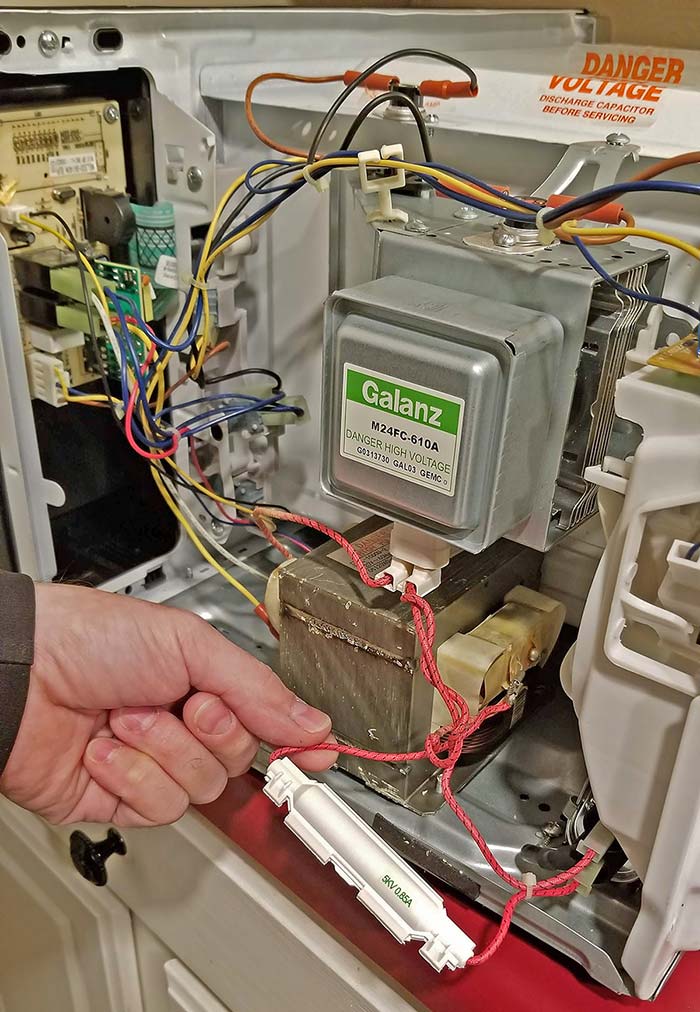
Key parts that fail, symptoms, and typical costs
Knowing the common parts helps you talk with a tech and avoid guesswork. Some repairs are simple, others are not safe for DIY.
Door switch
- Symptom: Unit won’t start or stops when the door moves.
- Notes: Often caused by a misaligned latch or worn switch.
- Cost: Low for parts; moderate with labor.
Line fuse
- Symptom: Completely dead unit after a pop or surge.
- Notes: A blown fuse points to a deeper issue. Don’t swap fuses without diagnosis.
- Cost: Low part; diagnosis is the key cost.
Thermal fuse or thermostat
- Symptom: Shuts down mid-cook or won’t start after overheating.
- Notes: Over-the-range models overheat if vents are blocked.
- Cost: Low to moderate.
Magnetron
- Symptom: Runs but does not heat, or loud buzzing under load.
- Notes: High-voltage, not DIY-friendly. Replacement complexity varies by model.
- Cost: Moderate to high. On older units, replacement may be smarter.
High-voltage diode and capacitor
- Symptom: No heat, odd humming, or fuse blows again.
- Notes: Dangerous stored charge. Pro service only.
- Cost: Moderate with labor.
Control board
- Symptom: Random resets, dead display, or non-responsive buttons.
- Notes: Surges are common triggers. Sometimes reflow or relay repair helps.
- Cost: Moderate to high, depending on brand and part availability.
Keypad membrane
- Symptom: Certain buttons don’t work; others do.
- Notes: Spills and steam can damage the contacts.
- Cost: Low to moderate.
Turntable motor or coupler
- Symptom: Plate not turning, uneven heating.
- Notes: Quick fix on many models.
- Cost: Low to moderate.
If you’re still unsure why my microwave is not working, match your symptom to this list. It guides the choice between a quick fix, a service call, or a new unit.
A safe step-by-step troubleshooting workflow
Use this flow when you want a simple path to answers. It balances speed and safety. Stop and call a pro if anything seems risky.
- Test the outlet with another device. Reset the breaker or GFCI if needed.
- Plug the microwave into a known-good outlet. Avoid power strips during tests.
- Check the door. Open and close firmly. Listen for clean clicks.
- Confirm settings. Cancel any timers. Set power to 100%. Try 60 seconds with water.
- Inspect inside. Remove metal, clean splatter, and check the waveguide cover.
- Test again. If it runs but no heat, suspect a high-voltage issue.
- If it is dead, suspect the fuse, cord, or internal short.
- If buttons fail, try a hard reset. Unplug for 10 minutes. Plug back in.
- Check ventilation. Over-the-range units need clear vents and a clean filter.
- If still stuck, note the model number and error codes. Call a qualified tech.
This workflow solves many cases of why my microwave is not working without guesswork. It also flags when pro help is the safer choice.
Safety, warranty, and when to call a pro
Microwaves store dangerous voltage even after unplugging. The capacitor can hold a charge that can harm you. If the issue points to high-voltage parts, stop and call a pro.
Check these before you spend:
- Warranty status. Some brands cover magnetrons longer than other parts.
- Age and use. Heavy daily use shortens life; light use lasts longer.
- Mounting type. Over-the-range repairs cost more due to labor and access.
In my experience, the best time to call is when you suspect the magnetron, diode, capacitor, or control board. If you wonder why my microwave is not working and you’re not sure why, get a quote first. It can save you from buying parts you do not need.
Preventive care so you never ask “why my microwave is not working” again
A few simple habits prevent most failures. Think of them as cheap insurance for your kitchen.
Try these tips:
- Keep it clean. Wipe spills at once. Food splatter can arc and damage parts.
- Use covers. A microwave-safe cover keeps steam in and mess out.
- Vent well. Clear vents and clean filters on over-the-range models.
- Avoid empty runs. Running with no food can overheat internal parts.
- Use microwave-safe containers only. No foil, metal rims, or hidden metal.
- Add surge protection. A quality surge protector can save the control board.
These steps keep performance steady and extend life. They also cut down on calls about why my microwave is not working.

Repair or replace: a simple decision guide
Sometimes the smartest fix is a new unit. Here’s how I help clients decide.
Consider this:
- Age under 5 years and repair under half the price of a new unit. Repair it.
- Age 6–9 years with a major part failure. Compare parts plus labor to new.
- Age 10+ years or repeated failures. Replacement is often wiser.
- Countertop models are cheaper to replace. Over-the-range models may be worth repair if installation is costly.
When people ask why my microwave is not working, they often worry about cost. Use the 50% rule: If repair is over 50% of new, buy new. Factor energy savings and warranty into the decision.

Special cases: inverter, smart, and over-the-range models
Not all microwaves are the same. The type you own affects failure points.
Inverter models:
- They use a different power system for smooth heating.
- Failures tend to involve the inverter board, not just the magnetron.
- Diagnosis needs brand-specific steps.
Smart microwaves:
- Wi‑Fi issues can look like control failures.
- Try app updates and a hard reset before service.
Over-the-range units:
- Heat and steam from the cooktop can stress parts.
- Filters and vents matter. Keep them clean to avoid asking why my microwave is not working.
These details help you avoid wild guesses and target the right fix.
Real-world examples from the field
Here are a few quick stories that mirror common issues. They show how small habits lead to big fixes.
A blank display after a storm:
- A client called about why my microwave is not working with no lights at all.
- The cause was a surge. The control board failed, and the fuse blew.
- A surge protector and a new board ended their repeat failures.
No heat, loud hum:
- The unit ran, light on, but water stayed cold.
- The high-voltage diode failed. A tech replaced it and tested the capacitor.
- The owner had been running it empty at times. That habit changed.
Stops mid-cook:
- Over-the-range unit, heavy boiling on the stove.
- The thermal cutoff tripped from poor ventilation.
- Cleaning the filters and improving airflow solved why my microwave is not working for good.
These cases are common and show how cause and effect play out in real kitchens.
Frequently Asked Questions of why my microwave is not working
Why does my microwave run but not heat?
This usually points to the door switch, diode, capacitor, or magnetron. If it hums loudly, stop and call a pro.
Why does my microwave trip the breaker?
The circuit may be overloaded, or there’s an internal short. Test a different outlet on a separate circuit and call a tech if it persists.
Can I replace a microwave fuse myself?
It’s not advised. A blown fuse often signals a deeper fault, and the capacitor can be dangerous even unplugged.
Why did my microwave stop mid-cycle?
It might have overheated or lost ventilation. Clean vents and filters, then try again after it cools.
Why do some buttons not work?
The keypad membrane or control board may be failing. Try a hard reset; if it persists, parts likely need repair.
Is it worth repairing an old microwave?
Use the 50% rule. If repair costs more than half a new unit and it’s over 8–10 years old, replacement is wise.
What should I check before calling a technician?
Test the outlet, reset the breaker, confirm power level, and try a water test. Note the model number and any error codes.
Conclusion
Most microwave issues boil down to power, door switches, or high-voltage parts. With safe checks and a simple workflow, you can confirm the basics and decide if repair or replacement makes sense. If you’re still asking why my microwave is not working, use the tips here to talk with a pro with confidence. Take action today: run the water test, clean the vents, and protect your kitchen with a surge protector. If this helped, subscribe for more smart home fixes or leave a comment with your model and symptoms.