Why Is My Microwave Not Working But Has Power: Easy Fixes
Your microwave has power, but internal safety or control parts likely stopped heating.
If you came here asking why is my microwave not working but has power, you are in the right place. I’ve repaired and diagnosed countless microwaves in homes and shops. I’ll walk you through fast checks, clear safety notes, and proven fixes. We’ll cover the exact reasons why is my microwave not working but has power, what you can try now, and when to call a pro. Let’s make this simple and safe.
What “has power but not working” really means
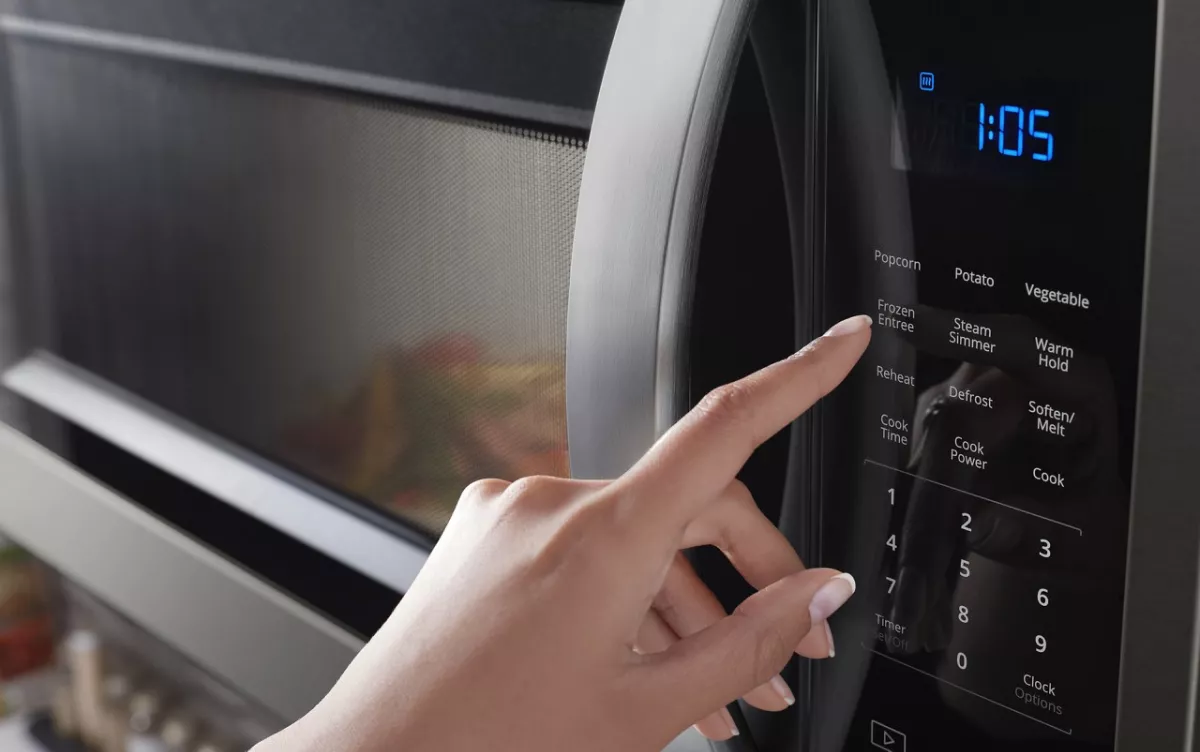
When a microwave lights up and the clock works, the low-voltage control side is alive. The trouble is in the cooking path, safety chain, or settings. You may see lights, hear the fan, or the turntable spins, but there is no heat. This is a classic why is my microwave not working but has power case.
Three big zones cause it:
- User settings like child lock or demo mode stop heating.
- Door safety switches prevent power to the high-voltage system.
- High-voltage parts like the diode, capacitor, or magnetron fail.
I see these patterns across brands. The symptoms narrow the hunt. If the fan hums but food stays cold, think safety switch or high-voltage parts. If nothing runs but the display is on, think interlock, line fuse, or control board. This is the core of why is my microwave not working but has power.
Safety first: what you should and should not do
Microwaves store high voltage even when unplugged. The capacitor can hold a dangerous charge. That is why many repairs are not DIY.
Do this:
- Unplug before any hands-on checks.
- Use only simple, no-disassembly checks unless you are trained.
- If you smell burning or see scorch marks, stop and call a pro.
Do not do this:
- Do not open the cabinet to touch internal parts.
- Do not bypass door switches or safety fuses.
- Do not test the magnetron, diode, or capacitor without training.
Service manuals and safety advisories agree: the high-voltage side is not for casual testing. Many why is my microwave not working but has power cases involve those parts. Stay safe and smart.

Quick checks you can do in 5 minutes (no tools)
Before you think big repair, rule out the easy stuff. These steps fix a surprising number of why is my microwave not working but has power calls I get.
- Power reset. Unplug for 2 minutes. Plug back in and try 30 seconds of cook.
- Check the outlet. Test with a lamp or phone charger. If a GFCI controls it, press reset.
- Make sure you did Cook Time, not Timer. Timer counts down but does not heat.
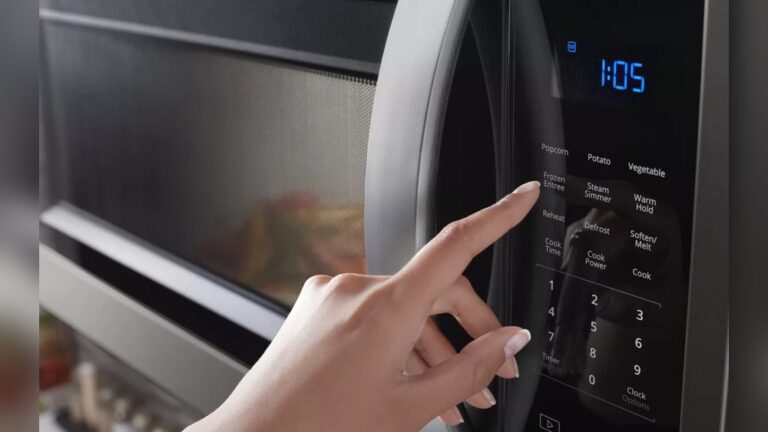
- Look for child lock or control lock. You may see “LOC,” a key icon, or no response to Start.
- Check demo mode. Some models heat at 0% in demo, so it never warms food.
- Open and close the door with a firm snap. If the door feels loose, the switches may not engage.
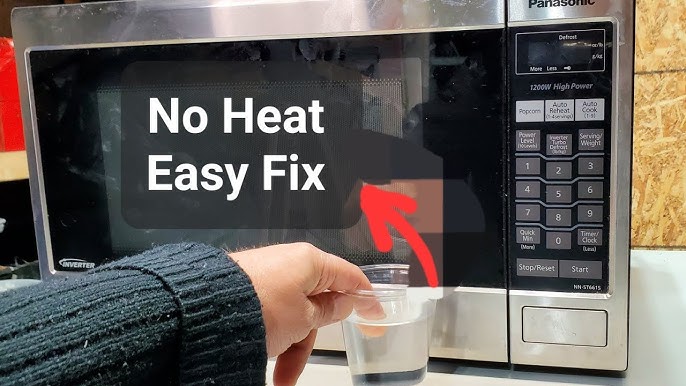
- Try a different mode. Heat a cup of water on High for 1 minute. Use sensor reheat off if you suspect sensor issues.
- Listen for clicks. A relay click and fan hum are normal. No click at Start may point to a control or door switch.
If one of these solves it, you found your answer to why is my microwave not working but has power with no tools and no cost.

Common culprits and how they fail
Many parts can cause the same symptom. Here are the usual suspects I see, what they do, and how they fail. This is the heart of why is my microwave not working but has power.
Door interlock switches and latches
These small switches confirm the door is closed. If one fails or the latch is misaligned, the oven blocks heating. Signs include light on, but no heat, or heating starts then stops when you jiggle the door.
DIY? You can inspect the door latches for cracks. Real switch tests need the unit opened and a meter. That is pro territory.
Thermal fuse or thermostat
These protect against overheating. If tripped or failed, they cut heat. The display still works, but no cooking. They can trip due to blocked vents or a failed fan.
DIY? Keep vents clear. Replace requires opening the unit.
Line fuse
If the fuse is blown, most units go dark. But some models feed the display on a separate path, so you can still see lights. That leads to confusion in why is my microwave not working but has power cases.
DIY? Fuse checks require opening the cabinet. Replace only after finding the cause.
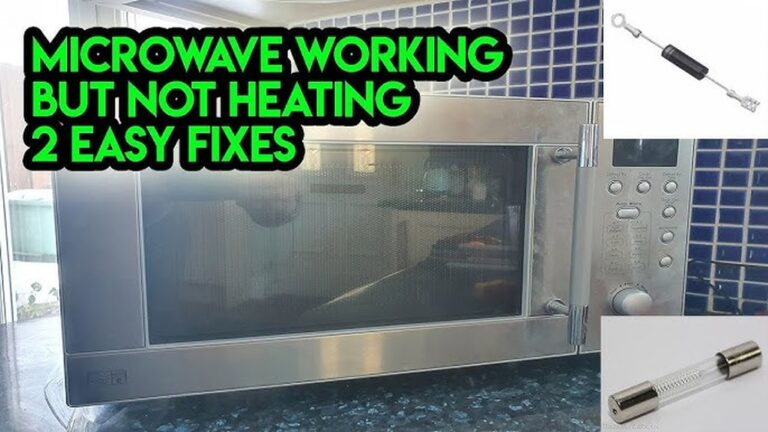
High-voltage diode and capacitor
These create the high voltage for the magnetron. If the diode shorts or opens, or the capacitor fails, you get no heat. Sometimes you hear a loud buzz or smell hot electronics.
DIY? Do not test these without training. The stored charge can be life-threatening.
Magnetron
This is the heart that makes microwaves. When it fails, there is often a humming sound, maybe a burnt smell, and zero heat. It can also fail quietly.
DIY? Replace is advanced. Often not cost-effective on older units.
Control board and relays
The board commands the high-voltage system. If a relay is bad, the unit looks alive but does not send power to heat. You may hear no relay click when you press Start.
DIY? Some boards can be repaired or replaced, but this is best for pros.
Keypad or touch membrane
If Start does not register, nothing happens. Sometimes only certain keys fail. You may set time but the Start button does nothing.
DIY? Membranes can be replaced, but it needs careful disassembly.
Turntable motor and fan
These do not stop heat by themselves, but poor airflow can trip thermostats. If the fan does not spin, the unit may shut down heat for safety.
DIY? Keep vents clean and do not block air paths.
Each of these explains why is my microwave not working but has power in a different way. Matching the symptom to the likely part saves time and money.
A simple troubleshooting path you can follow
Here is the flow I use on service calls. It is fast and safe for homeowners.
- Confirm the symptom. Lights and clock on, but no heat after 1 minute on High.
- Reset power. Unplug 2 minutes. Try again.
- Check outlet and GFCI. Test with another device. Reset if needed.
- Clear child lock. Check the manual or hold Cancel or Stop for 3 seconds on many models.
- Exit demo mode. Look for demo in settings. Many stores ship units in demo.
- Test the door. Close firmly. Press in the top-right corner while starting. If it heats only when pressed, a switch or latch is faulty.
- Listen for the relay click and fan. No click may point to a control or door switch.
- Watch for any error codes. Some show “H98/H97,” “SE,” or sensor errors. Note them.
- If still no heat, stop DIY. The likely causes now are interlocks, thermal cutouts, diode, capacitor, or magnetron.
By this point you have a clear picture of why is my microwave not working but has power. You have ruled out easy fixes and set up a pro for a quick repair.

When to repair and when to replace
Think about age, price, and safety. This helps with why is my microwave not working but has power decisions.
- Under 5 years old and a simple issue like a door switch or thermostat. Worth fixing. Typical repair: 80–180 dollars.
- High-voltage parts like diode or capacitor. Often worth it if the unit is built-in or premium. Typical repair: 120–250 dollars.
- Magnetron or control board on an older countertop unit. Replacement may be smarter. New mid-range units often cost 100–250 dollars.
- Built-in wall units or over-the-range models. Repairs are more cost-effective than full replacement and reinstallation.
Ask for an estimate. Share the symptoms you found. That shortens the visit and cuts cost. This is the practical path for why is my microwave not working but has power cases.
Preventive tips to avoid repeat failures
Small habits keep your microwave healthy and safe.
- Keep vents clear. Leave space around the unit and clean grease filters on over-the-range models.
- Do not run empty. Running with no load can stress the magnetron.
- Use microwave-safe containers only. Metal edges and foil can arc and damage parts.
- Wipe the door seal and latch area. Food buildup can block the interlock switches.
- Avoid slamming the door. That is a common reason I see for switch failures.
- Clean splatters quickly. Moisture and grease can cause sensor and keypad issues.
- Give it rest after long runs. Heat soak can trip thermostats.
These steps reduce the odds you will ask again why is my microwave not working but has power.
Real-world notes from the field
A few short stories show how this plays out.
- The door press trick. I once had a unit that would not heat unless you pressed the top-right of the door. The upper interlock switch bracket had bent. A small bracket fix solved why is my microwave not working but has power in minutes.
- Demo mode mystery. A brand-new microwave “worked” in a showroom but never heated at home. It was still in demo mode from the store. One menu change fixed it.
- Vent clog trips. An over-the-range model shut off heat but kept the clock on. The top vent was packed with grease. Cleaning and a new thermostat ended the issue.
The lesson: match simple checks with smart safety. You will solve many why is my microwave not working but has power puzzles without guesswork.
Frequently Asked Questions of why is my microwave not working but has power
Why does my microwave run but not heat?
The high-voltage system is likely disabled. Common causes are a bad door switch, high-voltage diode, capacitor, or magnetron.
Could child lock make it look like it has power but does nothing?
Yes. Child lock blocks inputs or Start. Look for a key icon or “LOC,” then unlock per the manual.
What is demo mode and how does it affect heating?
Demo mode lets stores show features without heating. If enabled, the display works but there is no heat.
Is it safe to open the microwave to check parts?
No, unless you are trained. The capacitor can store a dangerous charge even when unplugged.
How can I tell if the magnetron is bad?
There’s often no heat and sometimes a loud hum or burning smell. A pro can confirm with proper tests.
Could a tripped breaker cause a “power but no heat” issue?
If the display is on, the outlet has power. But a shared or partial circuit issue is rare; still, test the outlet with another device.
Will a blown fuse still let the clock work?
On some models, yes. The line fuse for the high-voltage side can blow while the display still has power.
What should I try before calling a technician?
Do a power reset, check the outlet and GFCI, clear child lock, exit demo mode, confirm you used Cook Time, and test the door seal and latch.
Conclusion
When your microwave lights up but will not heat, think in layers. First rule out settings, then door interlocks, then high-voltage parts. Use the quick checks here to solve the easy wins and share your findings if you call a pro.
Put this guide to work today. Do the 5-minute checks, clear the vents, and treat the door gently. If you need expert help, you will now speak the technician’s language and save time.
Want more practical, safe home fixes like this? Subscribe for new guides, or drop a comment with your why is my microwave not working but has power story and I’ll help you troubleshoot.