Why Is My Microwave Not Working: Quick Fixes And Tips
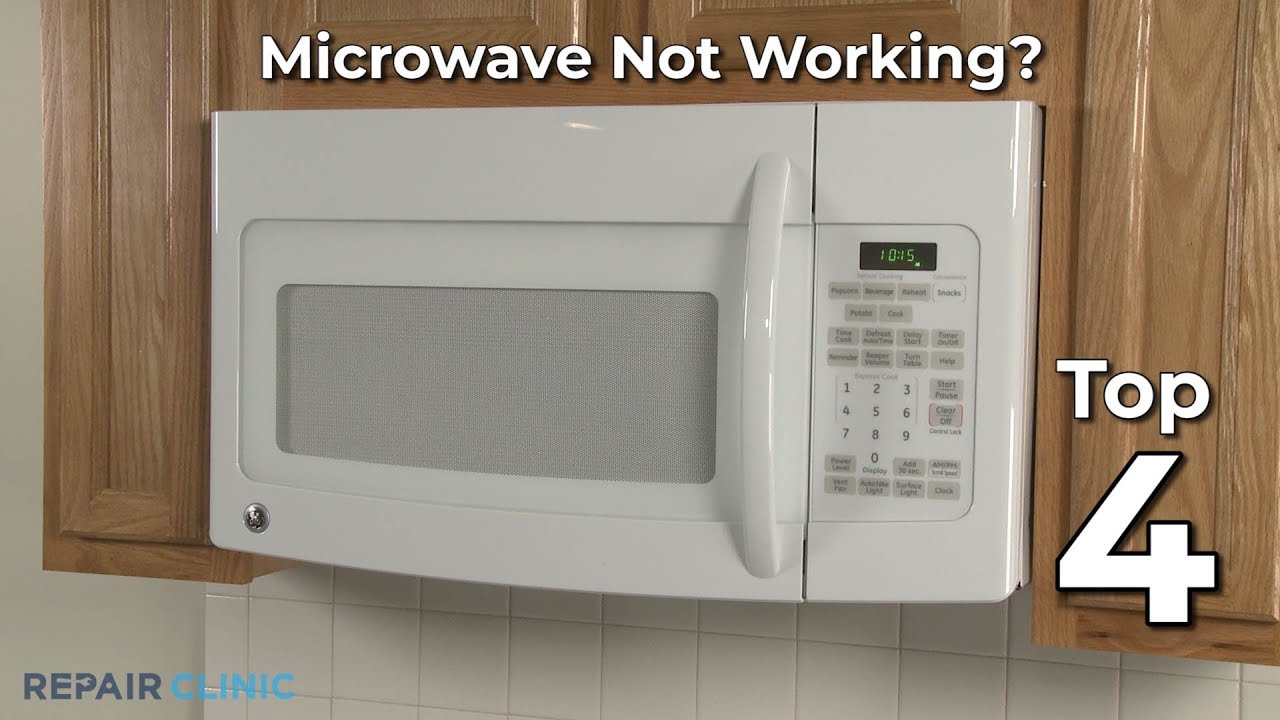
Most microwaves stop working due to power issues, door switch faults, or blown fuses.
If you are asking why is my microwave not working, you are not alone. I’ve diagnosed hundreds of dead, weak, and glitchy units in homes and rentals. In this guide, I’ll break down why is my microwave not working in plain, safe terms. You’ll get quick checks, deeper fixes, and clear signs of when to call a pro or replace your unit. Let’s get your dinner back on track.
How a microwave actually works (in simple words)
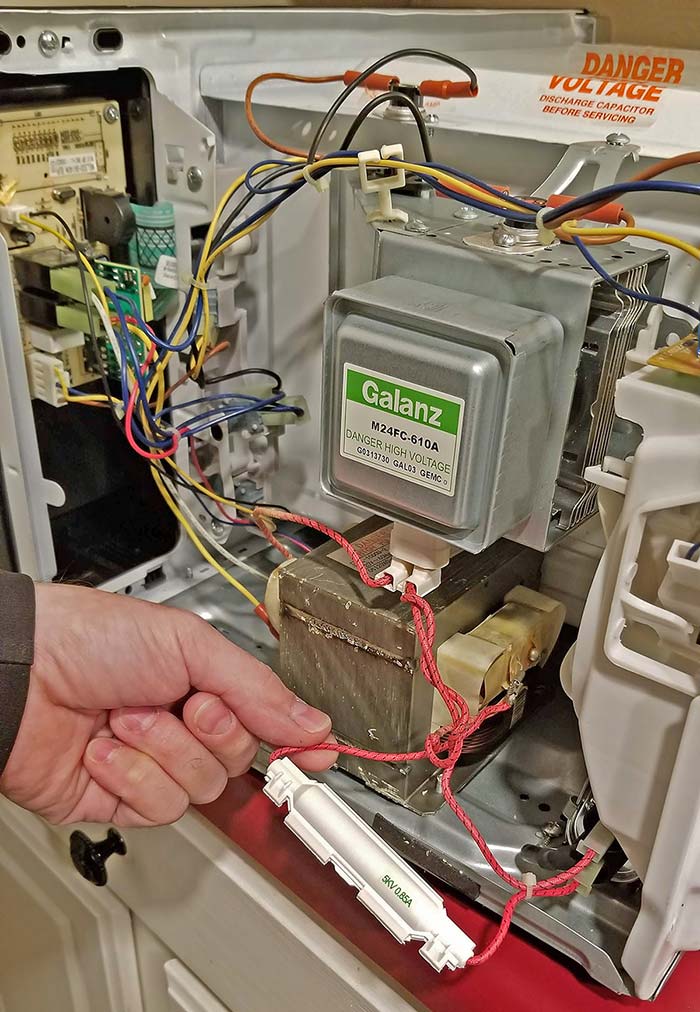
A microwave converts household electricity into high-frequency waves that heat water molecules in food. The control board and door switches manage power and safety. The high-voltage system, which includes the transformer or inverter, diode, capacitor, and magnetron, creates the energy that heats food. If any part in that chain fails, you’ll wonder why is my microwave not working.
Safety first: what to do before you touch anything
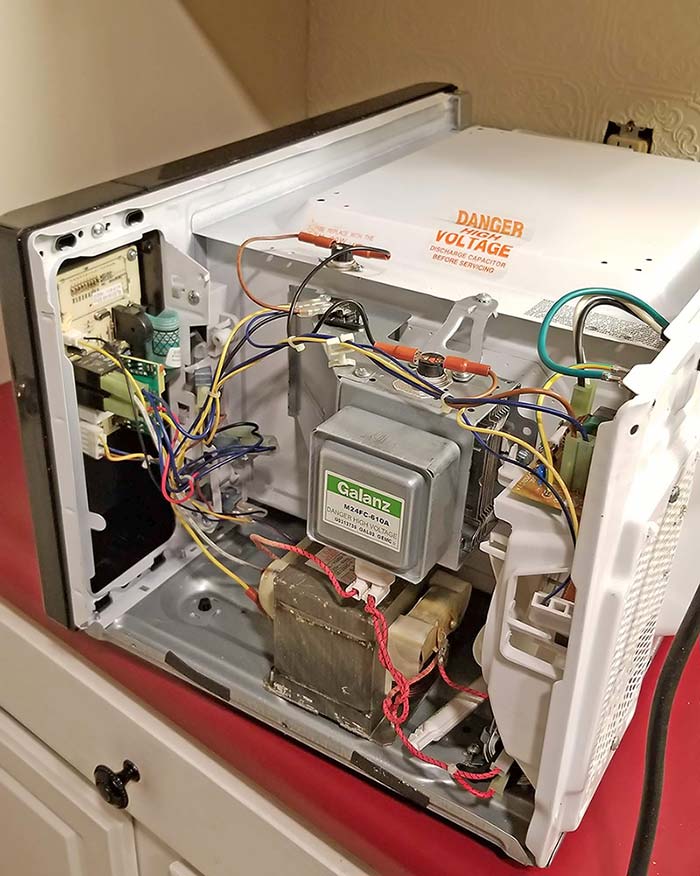
Microwaves store deadly voltage even when unplugged. The capacitor can hold a charge for a long time. If you open the case without training, you risk serious shock. Stick to external checks and simple parts like the turntable tray. Call a technician for high-voltage or internal repairs if you still ask why is my microwave not working.

Fast checklist: common reasons your microwave is not working
If you are thinking why is my microwave not working, start with these:
- No power at the outlet. A tripped breaker, GFCI, or a loose plug can shut it down.
- Door not latching. Faulty door switches stop heating and can stop the unit from starting.
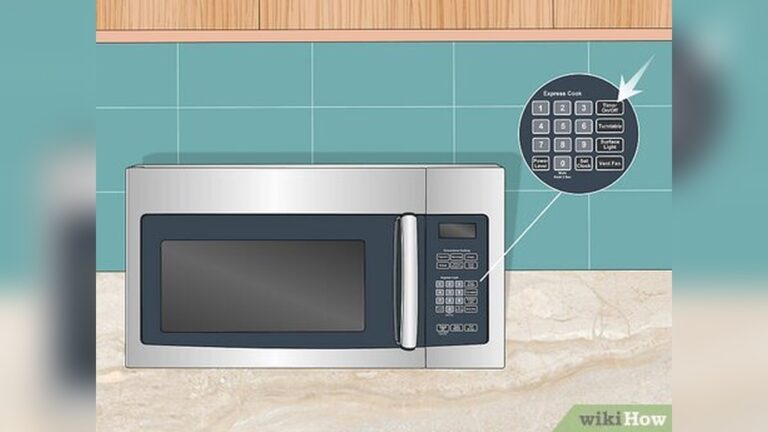
- Child lock on. Many models show a key icon or Lock. Buttons won’t respond.
- Blown internal fuse or thermal fuse. This kills power to protect parts.
- Control panel or membrane keypad failure. Buttons beep but do nothing or act random.
- Low power level set by mistake. Power level 1–3 will barely heat.
- Timer mode instead of Cook mode. Timer runs with no heat.
- Overheating protection. Blocked vents or long runs trigger cooldown.
- Faulty turntable motor or coupler. Food heats unevenly or not at all.
- Magnetron, diode, or capacitor failure. Unit runs but does not heat.

Step-by-step troubleshooting you can do at home
If you still wonder why is my microwave not working, try this simple path:
-
Check the outlet
- Plug in another device to confirm power.
- Reset the GFCI and check the breaker.
-
Inspect the plug and cord
- Make sure the plug is snug and the cord is not damaged.
- Avoid extension cords; use a dedicated outlet.
-
Confirm settings
- Set power level to 10 (High).
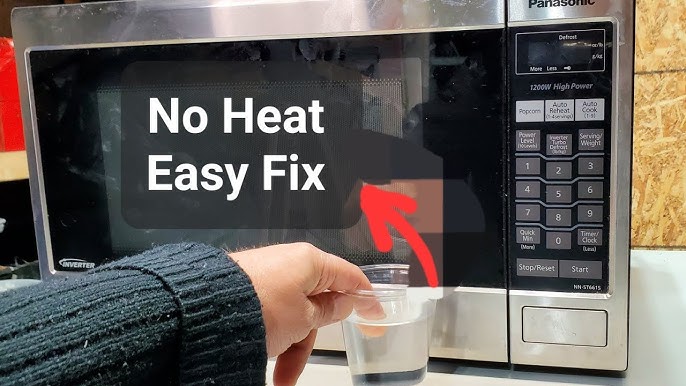
- Use Cook, not Timer. Try 1 minute with a cup of water.
-
Look for child lock
- If the panel ignores input, hold Stop/Cancel for 3–5 seconds.
- Or hold 0, 1, or the Lock icon per your manual.
-
Check the door
- Open and close firmly. Listen for solid clicks.
- If the light flickers or the unit starts and stops, suspect door switches.
-
Watch and listen
- Loud buzzing with no heat points to the high-voltage parts.
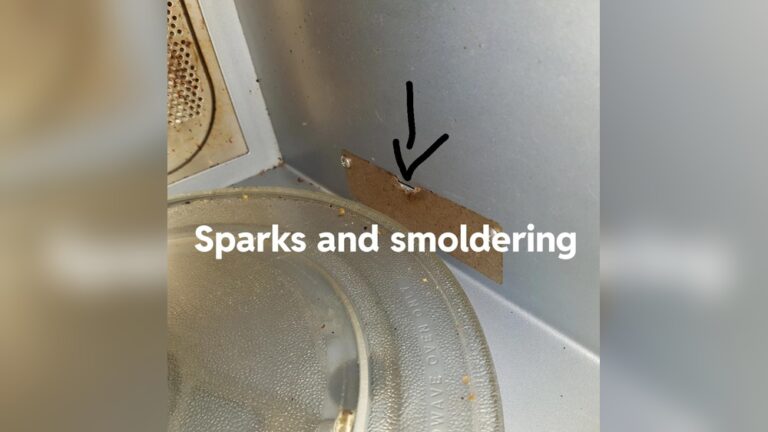
- Sparks or burning smell means stop and seek service.
-
Test the turntable
- Remove the plate and roller ring. Clean and reseat.
- If still stuck, the motor or coupler may be worn.
-
Give it air
- Clear vents on sides, top, and rear.
- Wait 15 minutes if it overheated, then try again.
-
Try a different outlet
- Move the unit to a known-good circuit if possible.
- If it works, you may have a circuit issue.
-
Decide repair vs replace
- If basic checks fail and you still ask why is my microwave not working, call a pro or consider a new unit.
What your symptom usually means
Dead: no lights, no beeps, no fan
This often points to a tripped breaker, bad outlet, blown line fuse, or thermal fuse. If power is good at the outlet, internal safety parts may have opened to prevent damage. If you keep asking why is my microwave not working after power checks, call a technician.
Runs but does not heat
This points to the high-voltage system. The magnetron, diode, capacitor, or transformer/inverter may be bad. It can also be a door switch that partly fails, which confuses the control.
Trips breaker or GFCI
Microwaves draw high current and can trip weak or shared circuits. A failing diode or shorted capacitor can also trip protection fast. Try a dedicated outlet and avoid GFCI if allowed by local code.
Loud buzzing, sparks, or burning smell
A worn waveguide cover, food splatter, or metal arcing can cause sparks. Remove debris, replace the waveguide cover if burnt, and do not run until safe. If the smell is electrical, stop use and call a pro.
Buttons don’t work or act weird
Keypad membranes wear out, and control boards can fail. If child lock is off and a reset does not help, the panel may need service. This is a common cause behind why is my microwave not working even though it powers on.
Turntable not spinning
The roller ring may be misaligned, or the coupler is cracked. If the motor hums but does not turn, it is likely bad. The unit may still heat, but unevenly.
Light or fan not working
These are usually simple parts like bulbs or fan motors. Bulbs are user-replaceable in some models; others need partial disassembly.

Repair or replace: how to choose wisely
Countertop models under $150 often cost more to fix than to replace. Over-the-range units and built-ins are worth a repair if under 6–8 years old. Typical pro repair ranges can run from $100–$300 for common parts like door switches, diodes, or motors, and $200–$400+ for magnetrons or control boards. If you keep facing why is my microwave not working after multiple fixes, replacement may be smarter.
Maintenance that prevents microwave failure
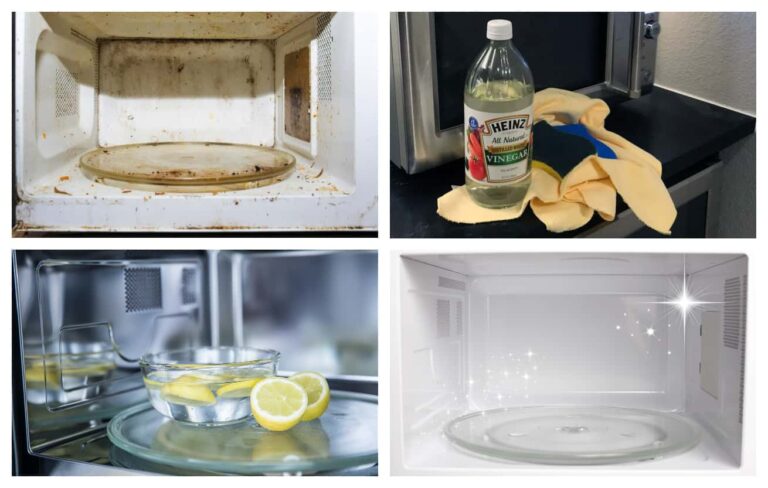
A clean microwave is a happy microwave. Splatter can arc and burn the waveguide cover. Keep vents clear and give it space on all sides. Use microwave-safe containers only, and avoid metal trim or gold accents that can spark.
- Wipe the interior weekly with warm, soapy water.
- Replace the charcoal and grease filters on OTR models as recommended.
- Do not slam the door; this protects the door switches.
- Let the unit breathe after long cooking to avoid overheating.
- If you ask why is my microwave not working again later, check these basics first.

Brand nuances and error codes to know
Many brands show fault codes for sensors, doors, or control faults. GE, LG, Samsung, Whirlpool, Panasonic, and Sharp often use child lock and demo modes that confuse users. Demo mode heats nothing but runs lights and turntable. Turn it off by holding a key or entering a menu. If the display flashes a code and you wonder why is my microwave not working, look up the code in your manual or on the brand site.
Frequently Asked Questions of why is my microwave not working
Why does my microwave have power but won’t heat?
The high-voltage parts may be bad, such as the magnetron, diode, or capacitor. It can also be a failed door switch that stops safe operation.
Why does my microwave keep tripping the breaker?
It might share a crowded circuit, or a shorted diode or capacitor is drawing too much current. Try a dedicated outlet and call a technician if it still trips.
Why are my buttons not responding?
The child lock may be on, or the membrane keypad is worn. Turn off lock mode, and if the issue stays, the panel may need service.
Can I replace a microwave fuse myself?
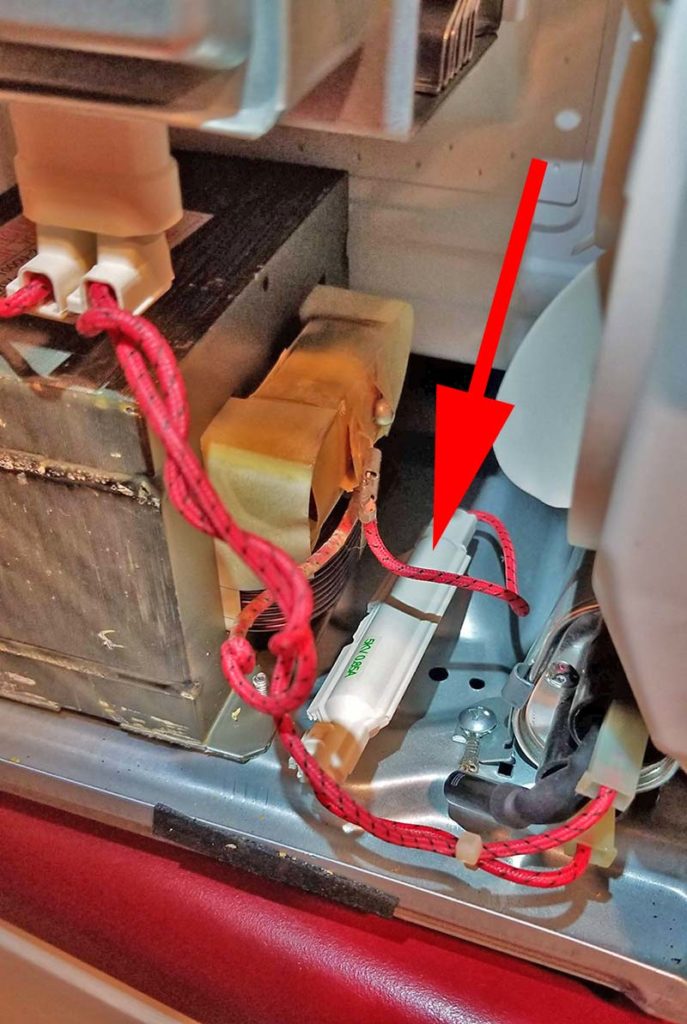
Line fuses are simple in theory, but you must open the case, which exposes high voltage. It is not safe unless you are trained and know how to discharge the capacitor.
Why does the turntable stop or stutter?
Food debris, a mis-seated roller ring, or a cracked coupler can stop it. If the motor is bad, it is a modest repair on many models.
Is it worth repairing an older microwave?
If it is a basic countertop model over 7–8 years old, replacement is often cheaper. Built-ins and OTR units are better repair candidates.
Conclusion
When you find yourself asking why is my microwave not working, start with safe, simple checks. Confirm power, settings, and the door. Then match symptoms to likely causes, and know when to call a pro. A few good habits will also keep your unit running longer.
Take one step today: clean the interior and vents, then run a 1-minute water test on High. If you need more help, explore our guides, subscribe for tips, or leave your question in the comments.