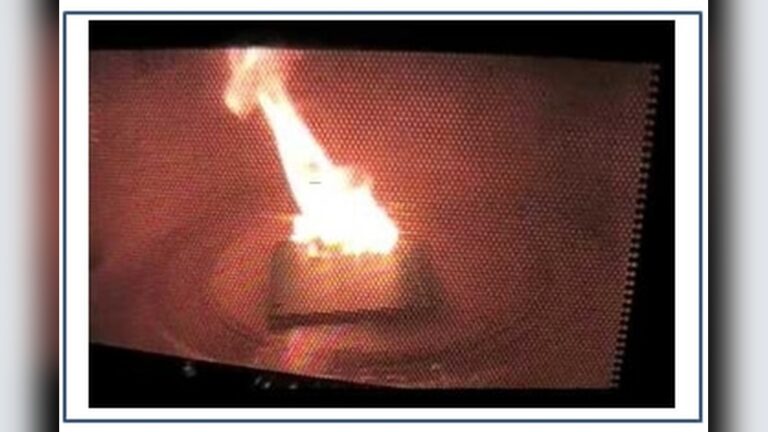
Why Did My Microwave Stop Working: Troubleshooting & Fixes
Most microwaves stop due to power issues, blown fuses, or faulty door switches.
If you’ve been asking why did my microwave stop working, you’re in the right place. I’ve troubleshot dozens of dead or weak microwaves in homes and shops. In this guide, I’ll walk you through the exact checks, clear fixes, and smart decisions that solve why did my microwave stop working without guesswork. Read on for simple steps, expert tips, and when to call a pro.

Safety first: what to do before you touch anything
Microwaves can store a dangerous charge even when unplugged. I’ve seen a good DIYer get zapped by a high-voltage capacitor. That’s why we start safe and slow. If you ever feel unsure, stop and call a tech.
Follow these steps before any troubleshooting:
- Unplug the microwave. If it’s a built-in, flip the breaker off.
- Do not open the cabinet. The high-voltage system can reach thousands of volts.
- Move the unit to a stable surface. Give yourself space and light.
- If you smell burning, see smoke, or hear arcing, do not test again.
- Take a photo of the control panel. You can check settings later.
Step-by-step diagnosis: figure out why did my microwave stop working
Use this simple flow. It answers why did my microwave stop working in minutes. Keep the steps short and clear. Test after each step.
- Check power at the source
- Test the outlet with a lamp or phone charger.
- If it’s a GFCI outlet, press reset. Check nearby GFCIs too.
- Check the breaker. If it trips again, stop and call a pro.
- Hard reset the microwave
- Unplug for 2 to 5 minutes.
- Plug back in. This clears control board glitches.
- If the clock returns but it still won’t run, continue.
- Check control settings
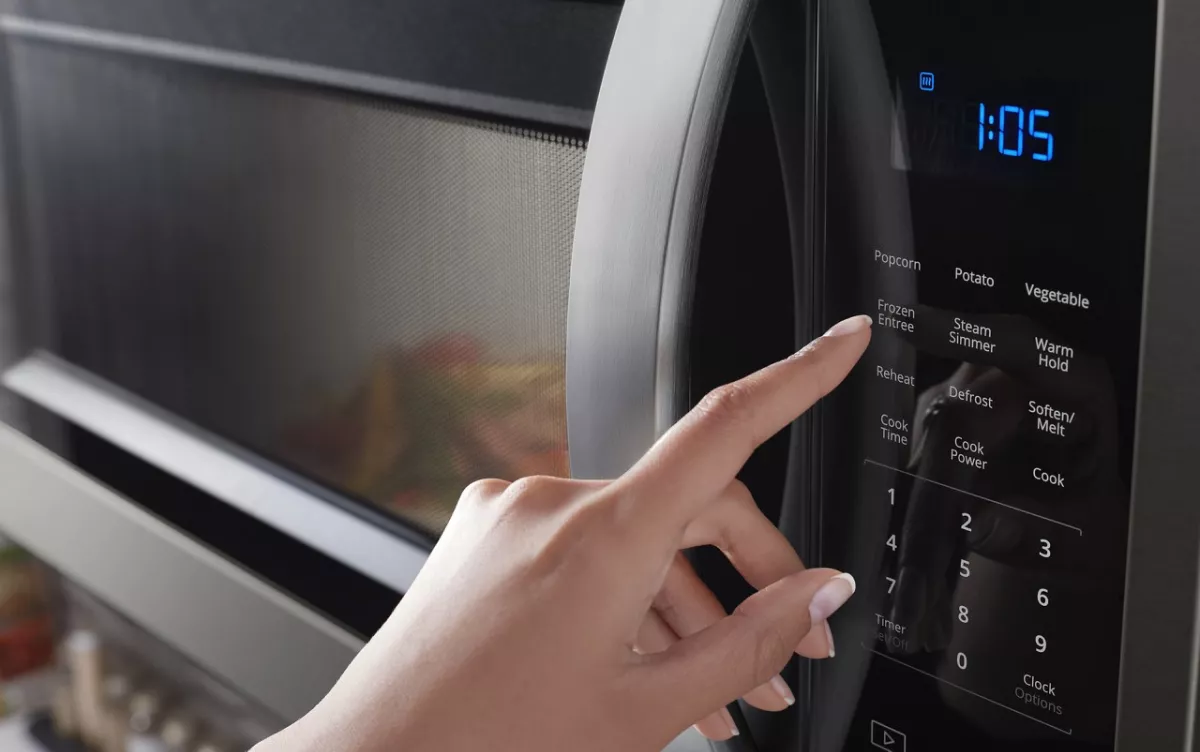
- Make sure Child Lock is off. Look for a lock icon or hold Stop/Cancel for 3 to 5 seconds.
- Exit Demo Mode if present. Run on a mug of water for 1 minute to test heat.
- Try different power levels and quick-cook buttons.
- Test the door and turntable
- Open and close the door with a firm, gentle push. Listen for two or three clicks.
- If the door feels loose, the interlock switch may not engage.
- Remove the turntable and ring. Try a short cook test without them.
- Listen and watch
- Lights on but no start suggests keypad or door switch issues.
- Runs but no heat points to magnetron, diode, or capacitor. This needs a pro.
- Shuts off mid-cook can be a bad thermal fuse, vent blockage, or overheating.
- Smells, sparks, or loud hum
- Stop use at once. Unplug it.
- Internal arcing or high-voltage faults are unsafe to DIY.

The most common reasons a microwave stops working
I get asked why did my microwave stop working almost daily. The causes fall into a few buckets. Start with the easy ones before you assume it’s the magnetron.
Power and electrical
- Tripped breaker or GFCI. Microwaves draw a lot of current on start.
- Loose plug or worn outlet. Heavy plugs can sag and lose contact.
- Power surge damage. A board can fail after a storm or outage.
User settings and control
- Child Lock on. The oven looks dead, but the panel is locked.
- Demo Mode. The unit runs but never heats.
- Software glitch. A quick reset can revive the control board.
Door and safety switches
- Misaligned door latch. Slamming the door can bend tabs.
- Failed interlock switch. The oven will not start or cuts out mid-cook.
- Broken door spring or lever. The click is weak or missing.
Thermal and airflow
- Blocked vents. The unit overheats and shuts down.
- Bad thermal fuse or thermostat. The oven appears dead until replaced.
- Grease buildup. Heat sensors can trip early.
High-voltage and internal components
- Blown main fuse. Often caused by a door slam or surge.
- Faulty magnetron, capacitor, diode, or transformer. Runs but no heat, loud hum, or burning smell.
- Control board failure. Random resets, dead display, or no response.
Turntable and minor parts
- Worn turntable motor or coupler. Food heats unevenly or clicks.
- Defective light or fan. Cosmetic, but can hint at deeper issues.

Simple fixes you can try at home
You can solve many why did my microwave stop working problems in minutes. Stay on the safe side. Do not open the cabinet.
Try these safe fixes:
- Reset power. Unplug for 5 minutes. Reset any GFCI. Flip the breaker fully off, then on.
- Reseat the plug. Use a different outlet if the current one is loose or warm.
- Turn off Child Lock. Check the manual or try holding Stop/Cancel.
- Exit Demo Mode. Look for a Demo indicator or reset the unit.
- Reseat the door. Open and close it firmly. Clean the latch area with a dry cloth.
- Improve ventilation. Pull the unit forward. Clear the rear and side vents.
- Clean the cavity. Remove grease on the walls, ceiling, and waveguide cover.
- Test with water. Heat a mug of water for 60 to 90 seconds. Check for steam.
What you should not DIY:
- Replacing internal fuses, magnetron, diode, capacitor, or transformer.
- Opening the cabinet. The capacitor can hold a dangerous charge even unplugged.

When to call a pro and what it might cost
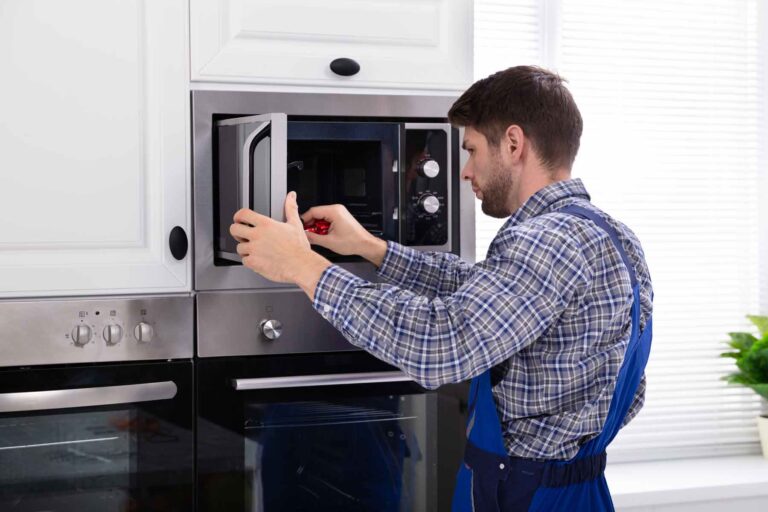
Sometimes the fix is above DIY level. Here is how I advise clients who ask why did my microwave stop working and need a realistic plan.
Call a technician if:
- The breaker trips again after reset.
- You smell burning, see smoke, or hear a loud hum.
- The unit runs but does not heat.
- The display is dead after known-good power.
- The door will not latch or needs parts.
Typical price ranges:
- Diagnostic visit: 75 to 150 dollars.
- Door switch or latch repair: 90 to 200 dollars total.
- Main fuse with inspection: 90 to 180 dollars.
- Control board repair or replace: 150 to 350 dollars.
- Magnetron, diode, capacitor, transformer: 200 to 450 dollars.
Rule of thumb:
- If repair is over half the price of a new unit, consider replacing.
- Countertop models are often cheaper to replace than built-ins.
How to prevent the next failure
A few habits extend life and reduce the chance you’ll ask again why did my microwave stop working. These are quick and easy.
Do this weekly
- Wipe the cavity and door seals. Keep grease off vents and the waveguide cover.
- Check the turntable roller and coupler. Remove crumbs and splatters.
Do this monthly
- Test an outlet and cord for warmth. Warm means a poor connection.
- Vacuum rear or top vents if exposed. Keep airflow clear.
Every day
- Do not run empty. Always heat food or a cup of water.
- Avoid slamming the door. Press Stop before opening when possible.
- Use a surge protector if the manufacturer allows it. It can help protect the board.
If you cook a lot
- Give the unit a few minutes to cool between long cycles.
- Keep packaging, manuals, and model number handy for future parts.

What each part does, in plain language
Knowing the parts helps you understand why did my microwave stop working. You do not need to open the unit to use this info.
Key components
- Door interlock switches. Let the oven run only when the door is fully shut.
- Control board and keypad. The brain and the buttons. Glitches can look like a dead unit.
- Main fuse and thermal fuses. Protect the oven from shorts and heat.
- Magnetron. Creates the microwaves that heat your food.
- High-voltage capacitor and diode. Work with the transformer to power the magnetron.
- High-voltage transformer or inverter. Steps power up for heating.
- Turntable motor. Spins the plate for even cooking.
- Cooling fan and airflow ducts. Keep the magnetron and electronics cool.
Common failure clues
- Loud hum and no heat often means a high-voltage issue.
- Dead after a slam suggests a fuse or door switch.
- Runs, light on, no heat can be a magnetron or diode.
Frequently Asked Questions of why did my microwave stop working
Why did my microwave stop working but the light and fan still run?
This often points to a heating circuit fault. The magnetron, diode, or capacitor may have failed and needs a professional repair.
Why did my microwave stop working after a power outage?
A surge can trip a breaker, pop a GFCI, or damage the control board. Reset power, then test; if still dead, a tech should assess the board and fuses.
Why did my microwave stop working mid-cycle?
Overheating or a tripped thermal fuse is common. Make sure vents are clear, let it cool, then test; if it stays dead, call a pro.
Why did my microwave stop working but the display is on?
The door switch or relay may not be engaging. Try a firm door close; if it still will not start, the interlock switch likely needs service.
Why did my microwave stop working and trip the breaker?
Short circuits or high startup current can trip a breaker. If it trips again after reset, do not keep testing; call a technician.
Why did my microwave stop working and show no power at all?
Check the outlet, breaker, and any GFCI first. If power is good, a blown internal fuse or failed control board is likely.
Why did my microwave stop working after slamming the door?
Door slams can shock the fuse or misalign switches. Avoid slamming; you may need a new door switch or fuse.
Conclusion
When you ask why did my microwave stop working, start with power, settings, and the door. Most fixes are simple. If the unit runs but does not heat, or the breaker trips, it is time for a pro. A few smart habits can also prevent the next breakdown.
Try the safe steps above today, then decide to repair or replace with confidence. Want more guides like this? Subscribe for timely home appliance tips, or leave a comment with your model number and symptom for tailored advice.